Online PDF Converter Tools
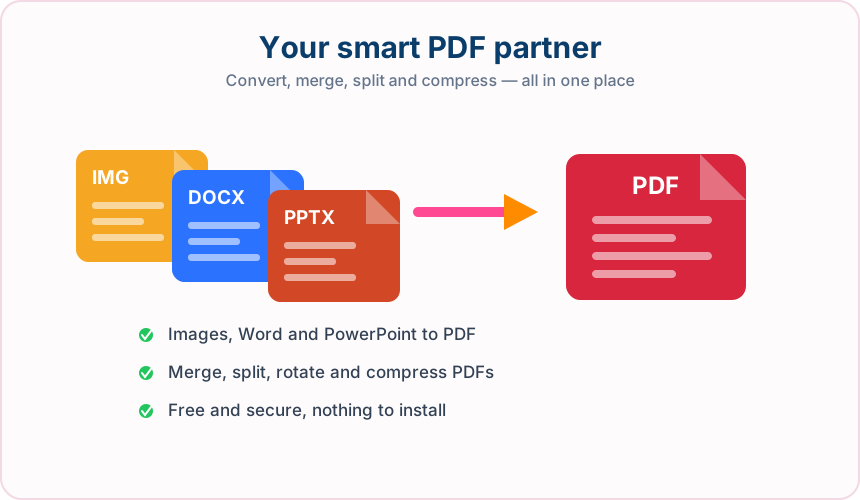
18 free tools to convert files into PDF, pull your content back out again, and reorganise or shrink the PDFs you already have. No signup and nothing to install.
Convert to PDF
4Turn the files you already have into a clean, shareable PDF.
Convert from PDF
4Get your content back out of a PDF and into something editable.
Organise and optimise
10Rearrange, tidy up and shrink PDFs you already have.
Your upload is used for the requested task and conversion files are deleted when processing completes.
Every tool is free to use without creating an account.
Runs in the browser on phone, tablet and desktop — nothing to install.
PDF tools — frequently asked questions
Working with images instead?
Who benefits from online PDF tools?
These are common examples; the right workflow depends on the file, required output, and your organization’s handling rules.
Office teams
Convert, combine, and organize routine documents before review, approval, or distribution.
Students and educators
Prepare assignments, reading packs, class notes, and teaching material in widely readable formats.
Freelancers and small businesses
Handle client files without maintaining a separate desktop application for every PDF task.
Administrative staff
Complete common document jobs such as splitting, rotating, compressing, and extracting pages.
All-in-One PDF & Image Tools
Access every QuickConvertPDF feature in one place. Convert, edit, and optimize your files fast, free, and securely.