Convert Image to Text and Skip the Retyping
Need the words from a photo, screenshot, receipt, or scanned page? Upload your image and our free OCR tool pulls out the text, so you can copy it, edit it, and search it instead of typing it all again.
- Batch image to text: Extract text from up to 30 images at once, in the order you choose.
- JPG, PNG, and WebP: Upload files of up to 25 MB each.
- Copy, edit, and search: Get text you can work with right away.
- No signup needed: Use the converter without creating an account.
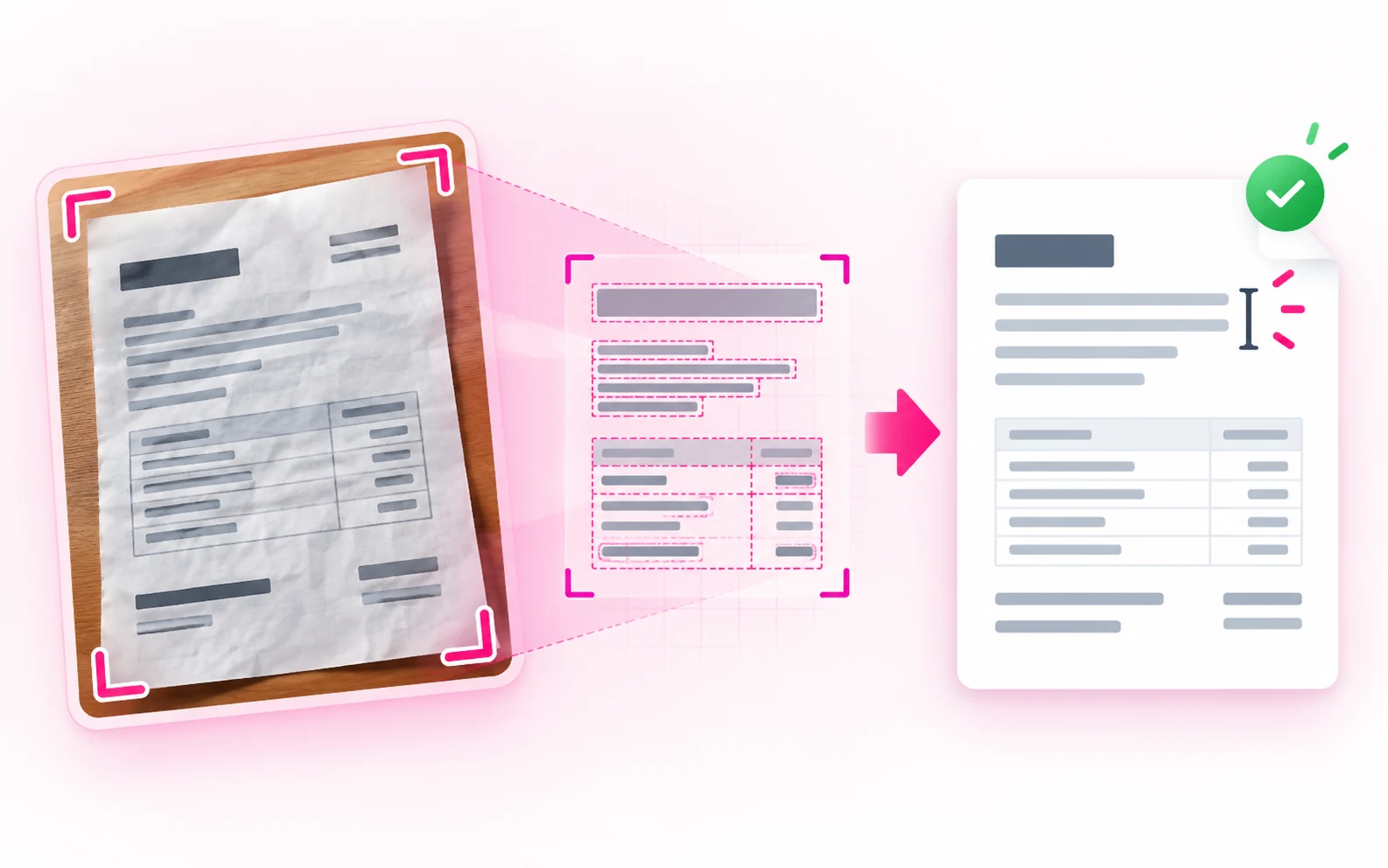
What You Get With Image to Text OCR
Process up to 30 images in your chosen order.
Upload JPG, PNG, or WebP files up to 25 MB each.
Get text you can copy, edit, or search instead of retyping it.
Use the converter without creating an account or installing software.
Who Benefits From Image to Text OCR?
If you have words trapped inside a picture, an image to text converter saves you from typing them out by hand.
Students and Researchers
Convert photos of your notes, textbook pages, and reference material into text you can edit, search, and check against the original.
Retail and Operations Teams
Pull item names, product codes, and short details from labels and photographed paperwork instead of typing them in.
Archive Volunteers
Make posters, letters, and scanned community records searchable, so old paper documents are easier to find and share.
Writers and Journalists
Turn a clear photo of printed material into editable notes, then proofread the OCR text for mistakes.
Image to Text Converter FAQs
All-in-One PDF & Image Tools
Access every QuickConvertPDF feature in one place. Convert, edit, and optimize your files fast, free, and securely.