Free PDF and Image Tools Online
Fast, secure, and easy PDF tools to convert, edit, merge, and manage files — built for productivity and trust worldwide.
No signup, no watermarks, and conversion files are deleted when processing completes.
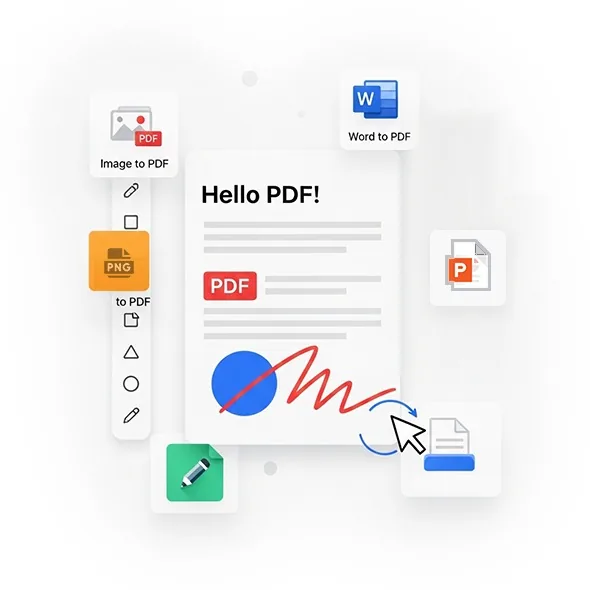
Most Popular PDF Tools
Convert images and documents to PDF fast with our smart, secure, and easy-to-use tools.
Quick Online Image Converter
Convert JPG, PNG, and WebP images instantly with QuickConvertPDF. Optimize your photos for web, social, or print. Fast, secure, free, and simple to use with no signup required.
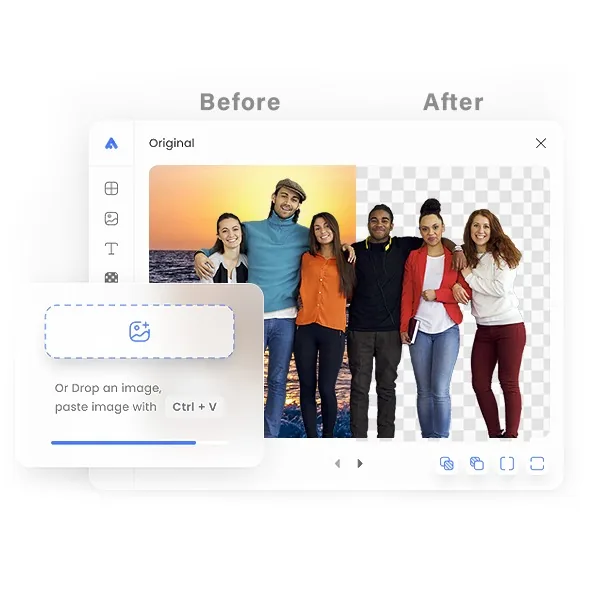
Free Background Remover: Remove Image Background Online in Seconds
Remove the background from any image with QuickConvertPDF's free online background remover. Upload a photo, product shot, or logo and get a clean, sharp transparent PNG in seconds. Supports JPG, PNG, and WebP files, with no signup needed.
- Create high-quality transparent PNG images
- Works on desktop, tablet, and mobile browsers
- Fast, secure processing with easy downloads
- No Photoshop, design skills, or software needed
- Perfect for eCommerce product photos, social media, and logo branding
Resize Images Instantly
QuickConvertPDF helps you change image size for web, social, or print.Fast, easy, and clear. Get perfect dimensions while keeping every detail sharp.
- Set custom width and height or use presets
- Keep aspect ratio or crop to fit
- Works with JPG, PNG, and WEBP
- Optimize photos for faster loading
- No design skills or software needed
Smart Online Image Compressor
QuickConvertPDF compresses JPG, PNG, WebP, and AVIF images with controls for output format and lossy quality or PNG compression level.
- Review lossy output to choose an appropriate quality value
- Set JPG, WebP, or AVIF quality from 1 to 100
- Choose output format and compression settings
- Boost speed for web, social, and sharing
Secure & Private, Always Free
QuickConvertPDF uses your uploads only to perform the task you request. Conversion files are deleted when processing completes.
Files Aren't Stored
Once your conversion finishes, your files are deleted. They're held only in memory or temporary storage while the job runs, so nothing is kept on our servers afterward.
Encrypted Uploads and Downloads
Every file moves between your browser and our service over HTTPS/TLS encryption, so it's protected from the moment you upload it until you download the result.
You Decide When It Starts
Nothing happens in the background. Processing begins only after you click Convert or Remove, and not a second sooner.
Download Links That Expire
Your download link works for a short time and then stops. That means no old links circulating, and no one else can open your converted file later.
We Do not Look at Your Content
We never read, view, or save what's inside your documents or images. We keep only basic technical logs, which help us fix errors and keep the site running smoothly.
Quick and Clutter-Free
Turn images and documents into PDFs in seconds. There are no pop-ups, no signup walls, and no watermarks, just a simple page that gets the job done.
QuickConvertPDF Questions
Clear answers about cost, accounts, file handling, limits, and supported formats.
All-in-One PDF & Image Tools
Access every QuickConvertPDF feature in one place. Convert, edit, and optimize your files fast, free, and securely.