Unlock PDF with a Known Password
Remove opening-password protection from an authorized PDF by entering its current password.
How to use Unlock PDF with a Known Password
- Choose one password-protected PDF up to 25 MB.
- Enter the PDF's current opening password; this tool does not discover, bypass, or crack passwords.
- Click Unlock PDF and download a separate unprotected copy after the password is verified.
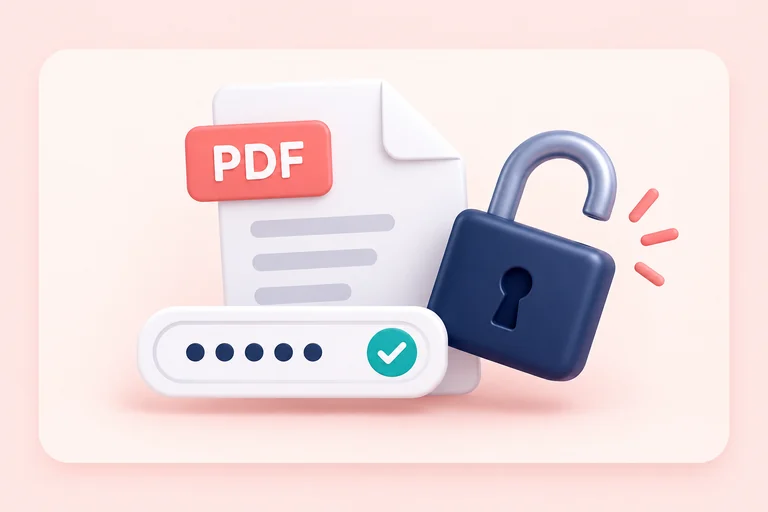
What the Unlock PDF Tool Does
Related tools
Privacy and security
The PDF and supplied password are used only for this request. The password is not logged. Only unlock documents you own or are authorized to modify.
Who uses a known-password PDF unlocker?
These are common examples; the right workflow depends on the file, required output, and your organization’s handling rules.
Document owners
Remove opening protection from their own PDF when an unprotected working copy is needed.
Business teams
Use a password supplied through an authorized workflow to prepare a document for approved processing.
Editors
Unlock an authorized copy before making permitted updates in software that cannot process encrypted PDFs.
Records teams
Create an approved unprotected derivative while retaining the original encrypted document separately.
Frequently asked questions
All-in-One PDF & Image Tools
Access every QuickConvertPDF feature in one place. Convert, edit, and optimize your files fast, free, and securely.