PDF Metadata Checker
Inspect PDF document properties and metadata without changing the uploaded file.
How to use PDF Metadata Checker
- Choose one PDF up to 25 MB.
- Click Check Metadata while the tool reads document properties in memory.
- Review the title, author, dates, PDF version, page details, encryption status, and file identifiers that are available.
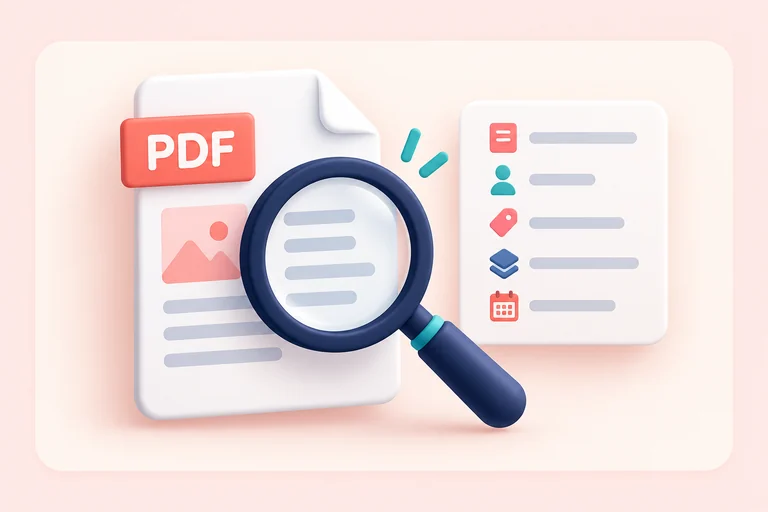
What the PDF Metadata Checker Shows
Related tools
Privacy and security
Metadata inspection is read-only. The PDF is processed in memory for the current request and is not published or returned as a modified file.
Who uses a PDF metadata checker?
These are common examples; the right workflow depends on the file, required output, and your organization’s handling rules.
Records teams
Review document properties during intake, classification, and quality-control checks.
Editors
Inspect title, author, creator, producer, and date fields before publishing a PDF.
Security reviewers
Identify encryption status and exposed document properties before approved distribution.
Researchers
Record technical PDF properties while remembering that metadata is editable and not proof of authorship.
Frequently asked questions
All-in-One PDF & Image Tools
Access every QuickConvertPDF feature in one place. Convert, edit, and optimize your files fast, free, and securely.