Online Image Converter Tools
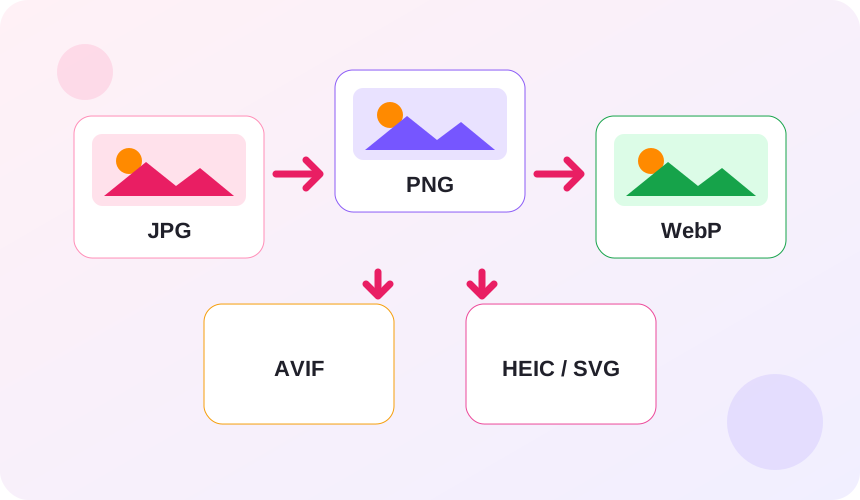
Choose from 40 dedicated converters for JPG, PNG, WebP, AVIF, HEIC, GIF and SVG files, plus useful tools to resize, compress and work with image content. No signup required.
JPG converters
6Convert JPG photos for transparency, newer web formats, Apple workflows or vector tracing.
PNG converters
6Change PNG graphics into photo, web, Apple or editable vector formats.
WebP converters
6Make WebP images compatible with common editors, photo libraries and vector workflows.
AVIF converters
6Convert efficient AVIF images for apps and devices that require other formats.
HEIC converters
5Open iPhone and HEIF photos in widely supported image formats.
GIF converters
6Turn GIF graphics into photo, lossless or web formats, or create GIFs from still images.
SVG converters
5Render vector artwork as pixels for sharing, publishing and compatible image editors.
More image tools
4Resize, compress, remove backgrounds or extract text from images.
Uploads are processed only for the selected task and conversion data is deleted when processing completes.
Open a converter, choose your images and download the result without creating an account.
The tools work in modern browsers on phones, tablets and desktop computers.
Image conversion questions
Need to work with a PDF?
View all PDF toolsWho uses online image conversion tools?
These are common examples; the right workflow depends on the file, required output, and your organization’s handling rules.
Website teams
Prepare compatible, efficient image files for product pages, articles, portfolios, and content management systems.
Photographers and designers
Create practical delivery copies while keeping the original master image in its source format.
Online sellers
Adapt product photographs to the formats required by marketplaces, storefronts, and advertising platforms.
Everyday device users
Open, share, or reuse photos when a phone, browser, editor, or upload form does not accept the original format.
All-in-One PDF & Image Tools
Access every QuickConvertPDF feature in one place. Convert, edit, and optimize your files fast, free, and securely.