Edit PDF Online
Edit positioned text boxes, permanently redact text, add content and manage PDF pages. Complex PDFs may require fallback fonts or manual adjustment.
PDF only. Maximum 25 MB and 100 pages.
No file chosenHow to edit a PDF
- Upload a text-based or scanned PDF and choose the page you want to work on.
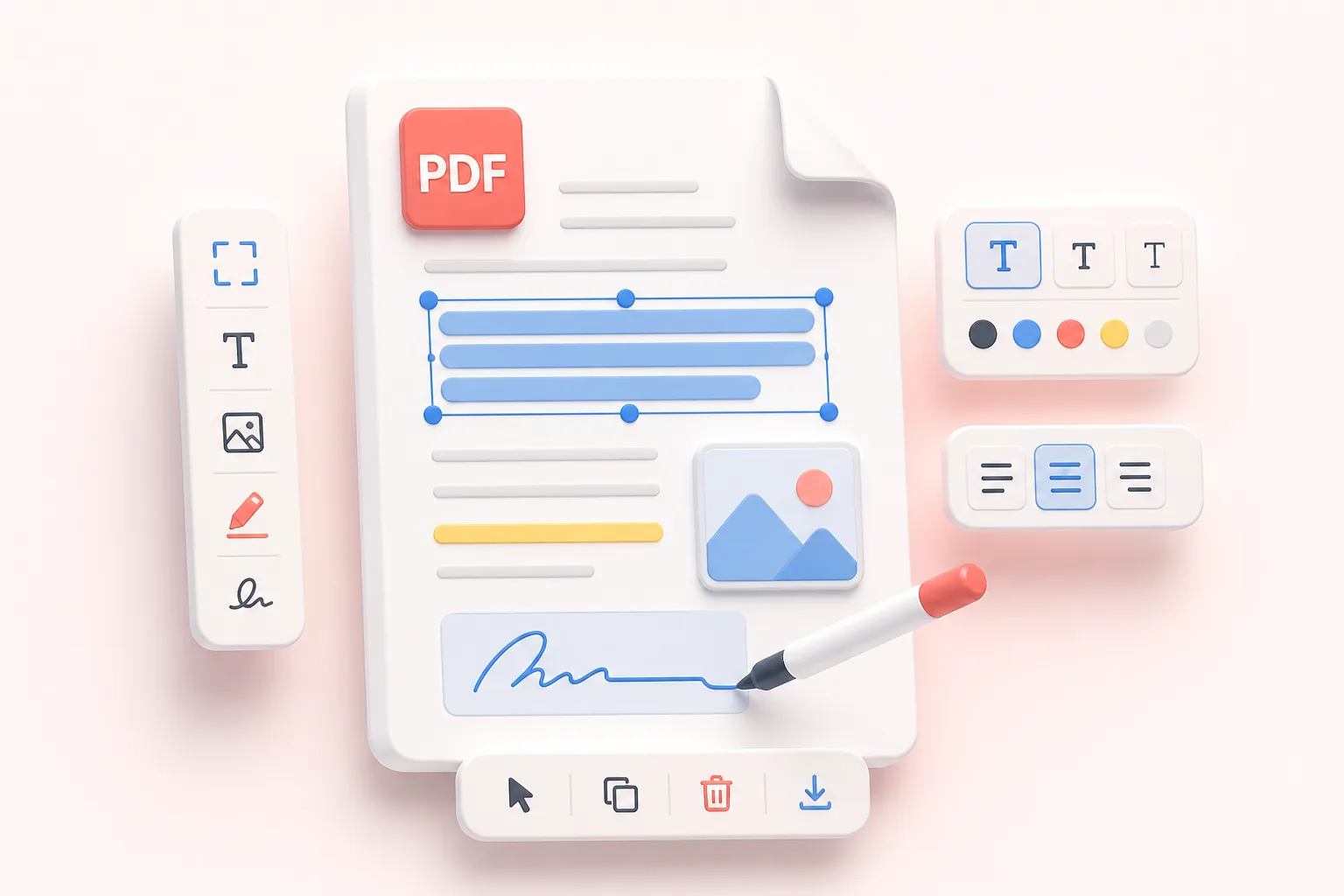
- Select existing text to replace or permanently redact it, or add text, images, a signature, highlights, links, and simple shapes.
- Organize the pages, review each change in the preview, and download the flattened edited PDF.
Benefits
Text-based and scanned PDFs
Text-based PDFs expose selectable text boxes. Image-only pages need OCR before recognized text can be corrected. OCR quality depends on scan resolution, rotation, language, contrast, and noise; handwriting recognition is not provided.
Privacy and honest limitations
Documents are processed on this server and stored under an unpredictable session-bound identifier for up to 30 minutes. Removing the file deletes the editor job immediately. A PDF stores positioned drawing instructions rather than flowing Word paragraphs, so complex layouts, subset fonts, ligatures, vector lettering, and transparency may not reproduce perfectly.
Replacement uses permanent redaction plus a new text box so removed wording is not left extractable underneath. Keep the original and review every exported page before relying on the edited copy.
Related tools
Merge PDF, OCR PDF to Text, Add Text to PDF, and all PDF tools.
Who uses the PDF editor?
These are common examples; the right workflow depends on the file, required output, and your organization’s handling rules.
Business teams
Add corrections, notes, and simple page content when the source document is not immediately available.
Reviewers
Mark up a working PDF with text and visual elements before returning feedback.
Teachers and trainers
Prepare worksheets, instructions, and annotated learning material from an existing PDF.
Independent professionals
Make focused document updates without rebuilding an entire file in another application.
Frequently asked questions
All-in-One PDF & Image Tools
Access every QuickConvertPDF feature in one place. Convert, edit, and optimize your files fast, free, and securely.