How to combine images into one PDF
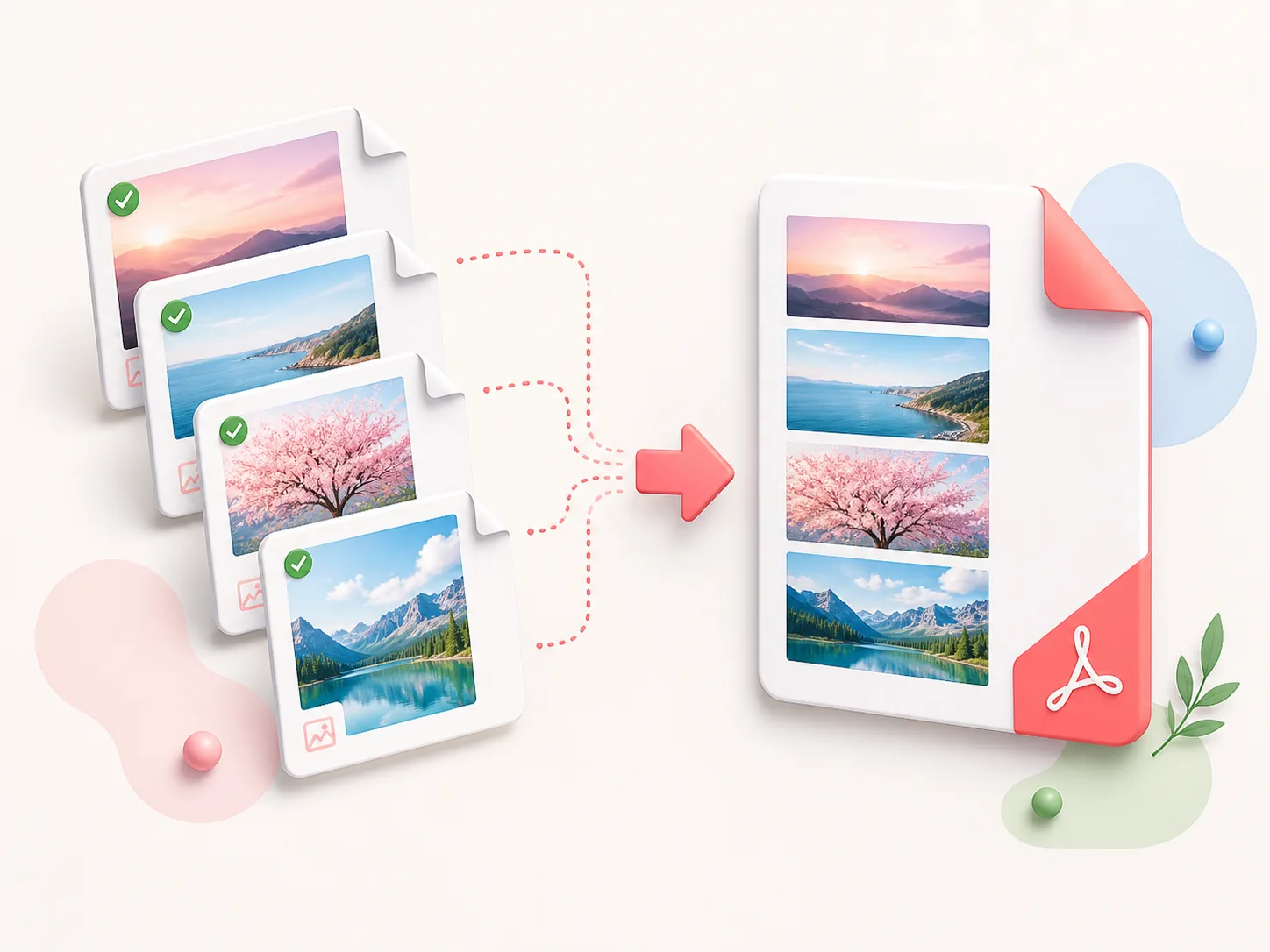
- Choose up to 30 JPG, JPEG, PNG, WebP, or AVIF images, no larger than 25 MB each.
- Review the previews and drag them into the order you want in the PDF.
- Select Convert Images to PDF and save the generated document.
Limitations: this tool places image pixels into a PDF; it does not run OCR, restore detail lost through compression, or create editable document text. Very large image sets can take longer and produce a large PDF.
Privacy: files are processed only for the requested conversion and are not published. Use the Image to Text tool for OCR, or Compress PDF after conversion when the result can be optimized.
Who Uses an Image to PDF Converter, and Why?
People turn photos into PDFs for all kinds of everyday jobs. Here are a few of the most common ones.
Students
Photographed your handwritten notes or assignment pages? Combine them into one PDF in the right order, so you submit a single neat file instead of a pile of pictures.
Field and Site Teams
Merge inspection photos, receipts, and progress shots into one PDF report. It's much easier to file, email, and share with a client than a folder of separate images.
Online Sellers
Convert several product photos into one PDF product sheet that you can send to buyers, suppliers, or marketplace partners.
Families and Community Groups
Turn scanned letters, certificates, children's artwork, or event photos into one PDF that's easy to store, print, and share.
Image to PDF questions
images.pdf, so rename it afterward if you want.All-in-One PDF & Image Tools
Access every QuickConvertPDF feature in one place. Convert, edit, and optimize your files fast, free, and securely.