Word to PDF online free
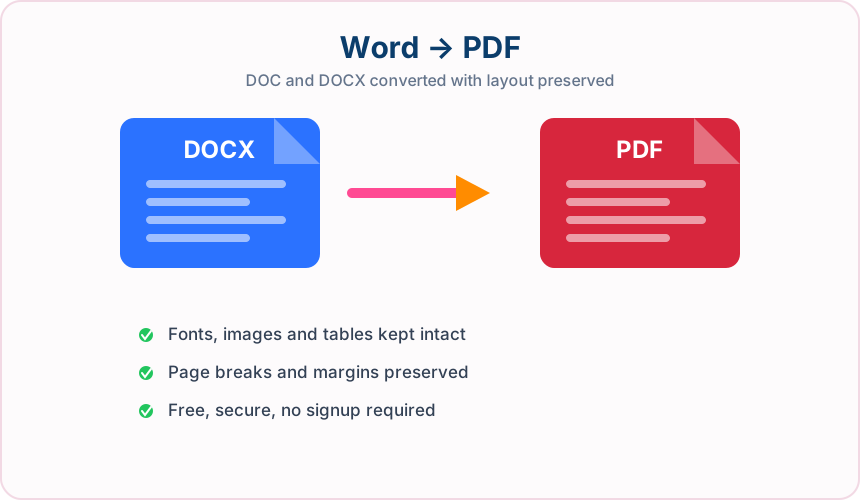
Convert one DOC, DOCX, RTF, or ODT document to PDF. LibreOffice performs the conversion, so results follow the source document's stored page settings and available fonts.
- Best word to pdf quality with clear text and images
- Free doc to pdf no signup needed
- Conversion files are deleted when processing completes
- Works on phone tablet and computer
Who Uses Word to PDF Conversion, and Why?
From job hunting to publishing, here's how people use a Word to PDF converter every day.
Job Applicants
Convert your resume or cover letter from DOC or DOCX to PDF so the layout looks the same on every device and doesn't shift on a recruiter's computer.
Writers and Editors
Turn manuscripts, briefs, and drafts into a PDF review copy that's easy to read, comment on, and share without anyone changing the original text.
Office and HR Teams
Send policies, letters, forms, and internal notices as read-only PDFs that open the same way for everyone on the team.
Students and Academics
Many learning platforms prefer PDF files, so convert your DOCX assignment or thesis to PDF before you upload it.
Legal and Compliance Teams
Create fixed PDF copies of agreements, policies, and approved wording for review, filing, or controlled distribution.
Authors and Publishers
Share sample chapters, proofs, and formatted drafts as PDFs, so readers can open them without needing Word or the original software.
Frequently Asked Questions
All-in-One PDF & Image Tools
Access every QuickConvertPDF feature in one place. Convert, edit, and optimize your files fast, free, and securely.