JPG to AVIF Converter
Re-encode JPG photos as AVIF for the smallest files of any mainstream format — often around half the size at comparable quality.
Why convert JPG to AVIF?
AVIF uses the AV1 video codec's intra-frame compression, which is markedly more efficient than the decades-old JPEG algorithm. For many photographs it reaches similar visible quality at roughly half the file size.
It also handles things JPG simply cannot: an alpha channel for transparency, wide colour gamut, and high dynamic range. If you are building a modern, performance-focused site, AVIF is the strongest option available.
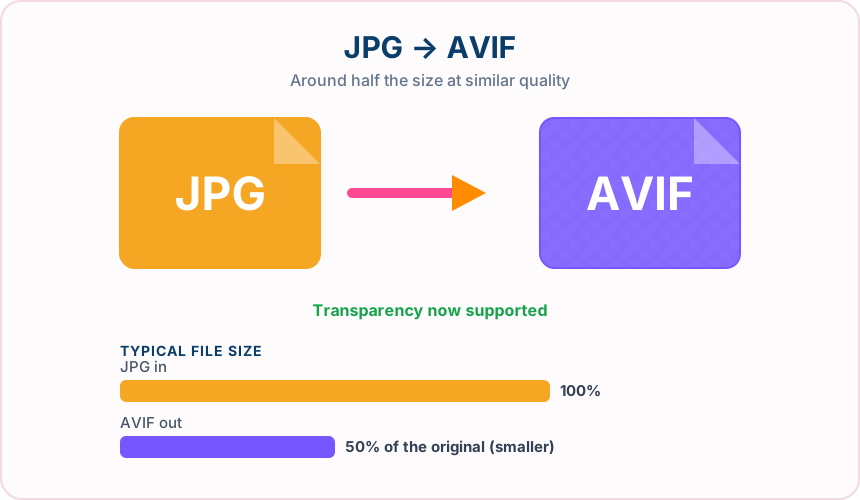
What you get converting JPG to AVIF
Frequently around 50% smaller than JPG, and meaningfully smaller than WebP too.
Where JPG shows blocking and banding, AVIF degrades far more gracefully.
AVIF can carry richer colour information than JPG's 8-bit sRGB ceiling.
Unlike JPG, AVIF supports an alpha channel without switching to another format.
What to expect: Expect roughly half the size of the original JPG at comparable visible quality, though results vary with image content. AVIF encoding is more computationally demanding, so conversion takes a little longer.
When to convert JPG to AVIF
- Squeezing maximum performance out of a mobile-first site
- Serving large hero images without a large download
- Modern sites using picture elements with a JPG fallback
- Archiving photo libraries at lower storage cost
JPG vs AVIF
| JPG | AVIF | |
|---|---|---|
| Compression | Lossy | Lossy |
| Transparency | No | Yes |
| Best for | the universal photo format, supported by essentially every device, browser and printer | the newest of the mainstream formats, offering the smallest files plus transparency and wide colour |
JPG to AVIF — frequently asked questions
Related tools
Who benefits from converting JPG to AVIF?
These are common examples; the right workflow depends on the file, required output, and your organization’s handling rules.
Front-end developers
Test highly compressed modern images in a browser-focused delivery workflow. A typical use is squeezing maximum performance out of a mobile-first site.
Performance teams
Compare AVIF size and visual quality with JPG or WebP alternatives. A typical use is serving large hero images without a large download.
Digital publishers
Prepare efficient photographs for audiences using current browsers. A typical use is modern sites using picture elements with a JPG fallback.
Image archivists
Create a space-conscious derivative while keeping the original master file. A typical use is archiving photo libraries at lower storage cost.
All-in-One PDF & Image Tools
Access every QuickConvertPDF feature in one place. Convert, edit, and optimize your files fast, free, and securely.