Benefits of converting PowerPoint to PDF
A PDF copy is easier to open, print, review, and share with people who don't have presentation software. Convert one PPT, PPTX, or ODP presentation at a time, then review the downloaded document because fonts and complex slide elements can render differently.
- Share a view-only PDF without handing over your editable PowerPoint file
- Open the PDF in any browser or PDF reader, with no PowerPoint needed
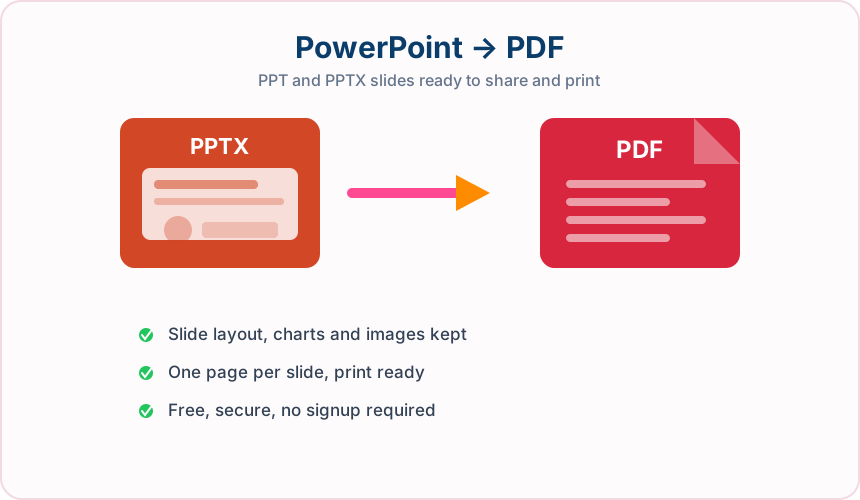
- Each slide becomes its own PDF page, so your deck stays easy to follow
- Get your presentation ready to print, email, review, or archive
- Convert PPT, PPTX, and ODP files to PDF, up to 25 MB
- Your original presentation stays untouched, so you can keep editing it later
- Keep the original presentation available for future editing
Who uses a PowerPoint to PDF converter?
People use PDF copies when the slides need to be viewed consistently rather than edited or presented with animation. Common users include:
Teachers and students
Turn lesson slides, revision notes, and class presentations into handouts that are convenient to read or print.
Sales and marketing teams
Send pitch decks, campaign plans, and product presentations as fixed documents that clients can open easily.
Consultants and business teams
Share proposals, project updates, training slides, and meeting summaries without exposing the working presentation file.
Event and conference speakers
Provide attendees with a readable copy of slides after a talk while keeping the original deck for future presentations.
Healthcare and nonprofit organizations
Distribute approved training, awareness, or outreach slides in a format suited to email and printing, subject to internal privacy rules.
Designers and print providers
Review slide proportions and prepare a fixed-page reference before printing posters, handouts, or presentation booklets.
Frequently Asked Questions
All-in-One PDF & Image Tools
Access every QuickConvertPDF feature in one place. Convert, edit, and optimize your files fast, free, and securely.