HEIC to JPG Converter
Turn an iPhone HEIC photo into a widely compatible JPG that opens easily on Windows, Android, email services and social platforms.
Make iPhone Photos Easy to Open and Share
HEIC keeps Apple photo libraries compact on iPhone and iPad, but many online upload portals, Windows apps, and workplace systems still require standard JPG. Converting HEIC to JPG online removes that compatibility barrier instantly.
Our online converter reads the native HEIF image, automatically applies correct EXIF camera orientation (portrait or landscape), and generates a universal RGB JPEG copy while keeping your original source HEIC file untouched.
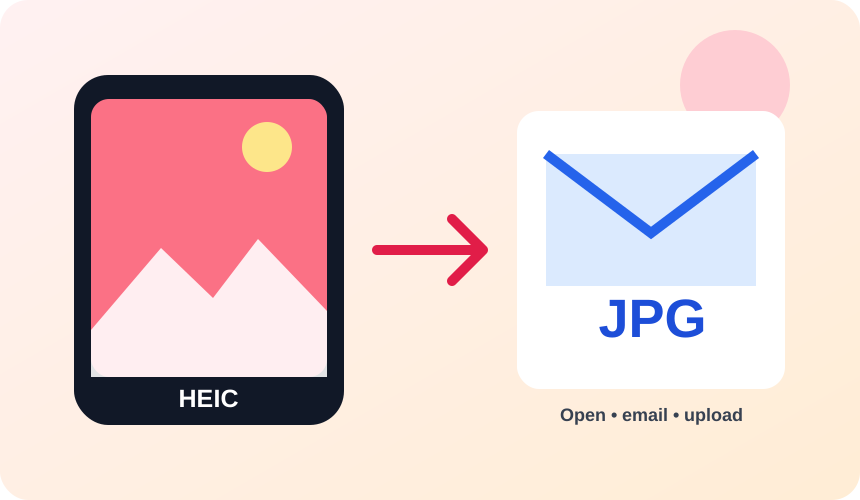
What You Get Converting HEIC to JPG
JPG files work seamlessly across virtually every web browser, Windows PC, Android device, photo editor, and messaging platform.
Upload converted JPEG photos directly to online forms, job portals, e-commerce storefronts, and government websites that block .heic or .heif extensions.
EXIF camera orientation is automatically applied to pixel data during conversion so portrait and landscape iPhone photos display right-side up.
Sensitive EXIF location data and camera metadata are stripped for privacy, while standard ICC color profiles are retained for consistent color.
What to expect: JPG uses standard lossy compression, so converted files may be slightly larger than the highly compressed HEIC source at comparable visual quality. Fine pixel detail can re-encode slightly, but visual clarity remains high.
When to convert HEIC to JPG
- Emailing an iPhone photo to a Windows user
- Uploading property, ID or product photos to a JPG-only portal
- Opening Apple camera images in older desktop software
HEIC vs JPG
| HEIC | JPG | |
|---|---|---|
| Compression | Lossy | Lossy |
| Transparency | No | No |
| Best for | Apple's space-efficient photo format, common on iPhone and iPad but not previewable in every browser or app | the universal photo format, supported by essentially every device, browser and printer |
HEIC to JPG — Frequently Asked Questions
Related tools
Who benefits from converting HEIC to JPG?
These are common examples; the right workflow depends on the file, required output, and your organization’s handling rules.
Photographers
Create a broadly compatible copy for clients, print services, and older applications. A typical use is emailing an iPhone photo to a Windows user.
Online sellers
Prepare product photos for marketplaces and upload forms that expect JPG. A typical use is uploading property, ID or product photos to a JPG-only portal.
Office users
Make an image easier to insert into documents, presentations, and email. A typical use is opening Apple camera images in older desktop software.
Print teams
Receive a familiar photographic format supported by common production software. A typical use is sensitive EXIF location data and camera metadata are stripped for privacy, while standard ICC color profiles are retained for consistent color..
All-in-One PDF & Image Tools
Access every QuickConvertPDF feature in one place. Convert, edit, and optimize your files fast, free, and securely.