WebP to GIF Converter
Convert WebP images, including animated WebP, to GIF for apps, chat tools and older software that cannot play WebP.
Make animated and still WebP files play everywhere
Animated WebP files are common on modern websites, but many messaging apps, older editors and some social platforms only accept animated GIFs. This converter keeps every frame and its timing.
Still WebP images become single-frame GIFs. Because GIF uses a 256-colour palette, photographic WebP content can show banding; simple graphics and stickers usually convert cleanly.
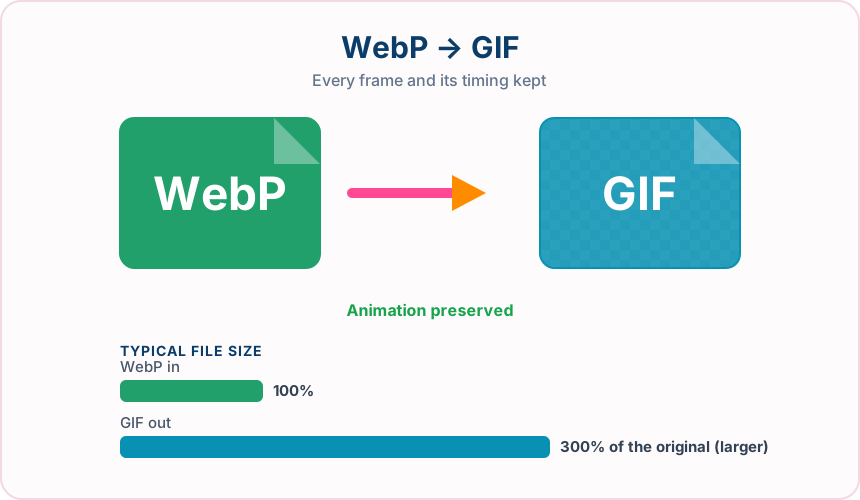
What you get converting WebP to GIF
Every frame, its display duration and the loop setting are carried into the GIF.
Animated GIF is supported by browsers, chat apps, email clients and older software.
Fully transparent WebP pixels stay transparent in each GIF frame.
Convert up to 30 WebP files and download them together as a ZIP.
What to expect: Animated GIFs are frequently several times larger than the WebP original, and colours are reduced to 256 per frame. Long or high-resolution animations produce large files.
When to convert WebP to GIF
- Sharing an animated WebP sticker in an app that only accepts GIF
- Opening a downloaded WebP animation in older editing software
- Converting web animations for a GIF-only platform
WebP vs GIF
| WebP | GIF | |
|---|---|---|
| Colours | Millions, plus alpha | Up to 256 per frame |
| Animation | Supported | Supported |
| Transparency | Full alpha channel | One fully transparent colour |
| Typical file size | Small | Often several times larger |
| Compatibility | Current browsers and modern apps | Nearly universal, including older software |
WebP to GIF — frequently asked questions
Related tools
Who benefits from converting WebP to GIF?
These are common examples; the right workflow depends on the file, required output, and your organization’s handling rules.
Social media users
Share animations and reactions in apps and chats that only accept GIF. A typical use is sharing an animated WebP sticker in an app that only accepts GIF.
Community moderators
Upload avatars, badges, and banners to forums that expect GIF files. A typical use is opening a downloaded WebP animation in older editing software.
Email marketers
Add simple graphics and animations that display in older email clients. A typical use is converting web animations for a GIF-only platform.
Legacy system users
Supply images to older software and portals that predate newer formats. A typical use is convert up to 30 WebP files and download them together as a ZIP..
All-in-One PDF & Image Tools
Access every QuickConvertPDF feature in one place. Convert, edit, and optimize your files fast, free, and securely.