GIF to JPG Converter
Convert GIF images to JPG for photo editors, upload forms, printing and platforms that do not accept GIF.
Create a widely accepted JPG from a GIF
Some document portals, print services and profile-photo uploads accept JPG but reject GIF. Converting gives you a standard JPG that works almost everywhere.
JPG cannot store animation, so the first frame of an animated GIF is used. Transparent areas are filled with white because JPG has no transparency.
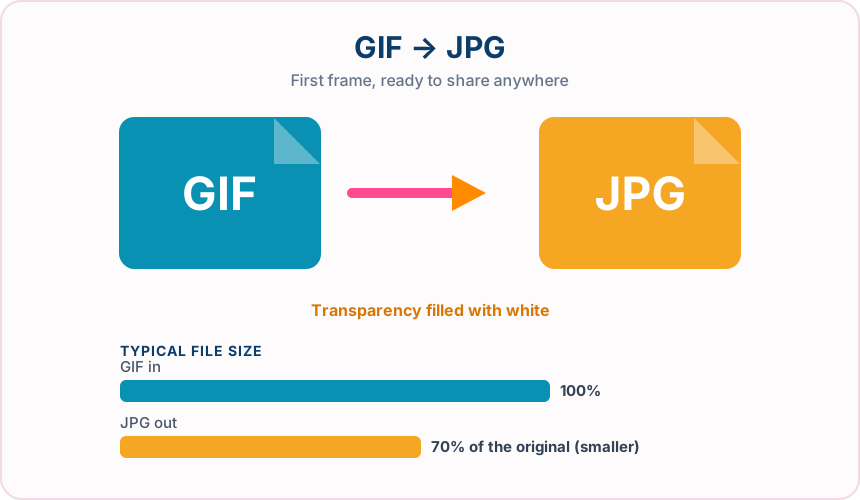
What you get converting GIF to JPG
JPG works on upload forms, printers, photo apps and office software.
Get a clean still of the first frame from an animated GIF.
JPG quality settings let you balance file size and detail.
Convert up to 30 GIFs and receive multiple results in one ZIP.
What to expect: The JPG cannot add colour detail that the 256-colour GIF never stored. Sharp text and flat colours may gain slight JPEG artefacts.
When to convert GIF to JPG
- Uploading a GIF graphic to a JPG-only form
- Printing a GIF image through a photo service
- Taking a still thumbnail from an animated GIF
GIF vs JPG
| GIF | JPG | |
|---|---|---|
| Colours | Up to 256 per frame | Millions (24-bit) |
| Compression | Lossless after palette reduction | Lossy |
| Transparency | One fully transparent colour | Not supported (filled with white) |
| Animation | Supported | Not supported (first frame used) |
| Best for | Simple graphics and short animations | Photographs and broad compatibility |
GIF to JPG — frequently asked questions
Related tools
Who benefits from converting GIF to JPG?
These are common examples; the right workflow depends on the file, required output, and your organization’s handling rules.
Photographers
Create a broadly compatible copy for clients, print services, and older applications. A typical use is uploading a GIF graphic to a JPG-only form.
Online sellers
Prepare product photos for marketplaces and upload forms that expect JPG. A typical use is printing a GIF image through a photo service.
Office users
Make an image easier to insert into documents, presentations, and email. A typical use is taking a still thumbnail from an animated GIF.
Print teams
Receive a familiar photographic format supported by common production software. A typical use is convert up to 30 GIFs and receive multiple results in one ZIP..
All-in-One PDF & Image Tools
Access every QuickConvertPDF feature in one place. Convert, edit, and optimize your files fast, free, and securely.