How to convert PDF to Word
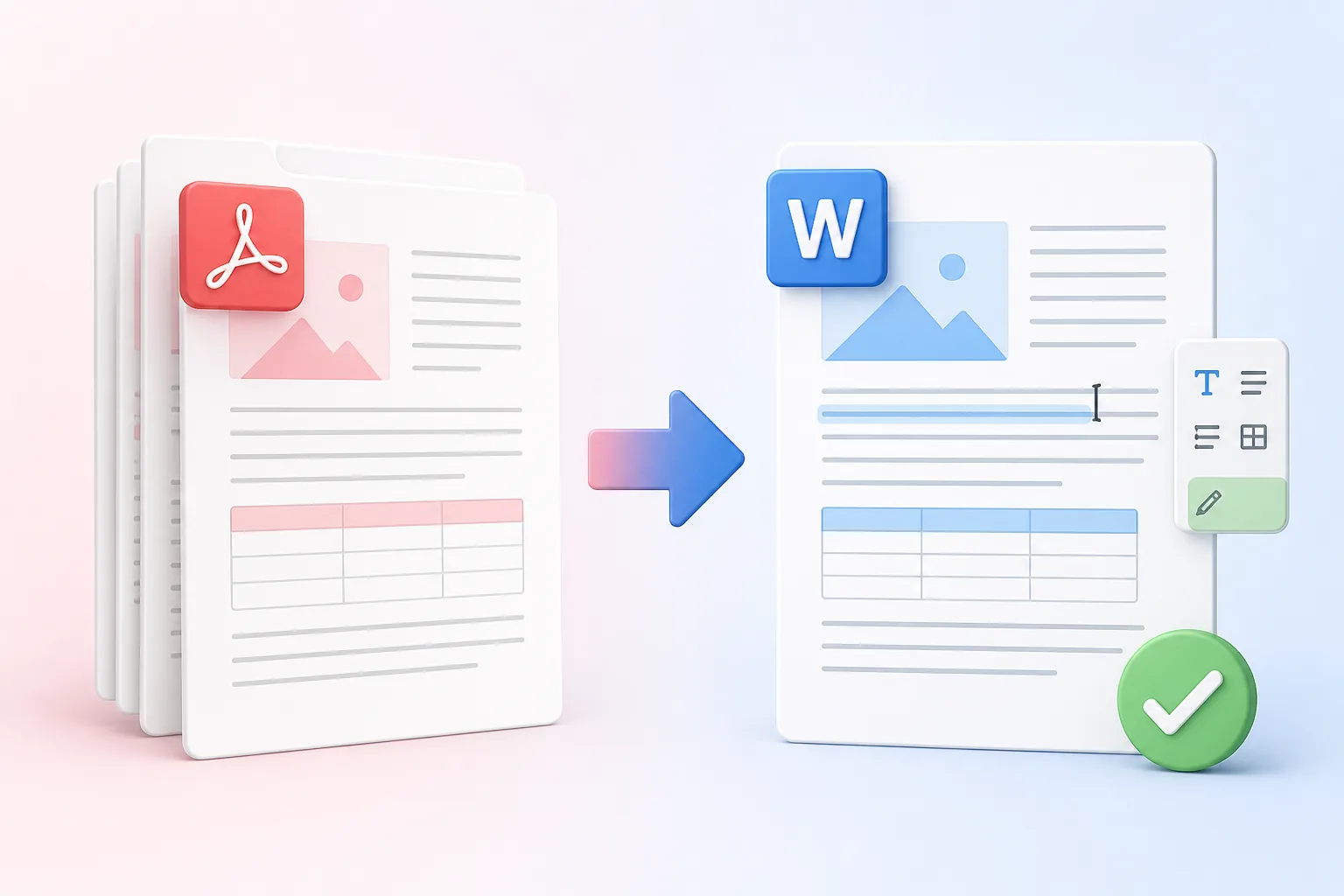
- Choose one text-based PDF up to 25 MB.
- Select Convert to Word and wait while the document is processed.
- Download the DOCX file, open it in a word processor, and check complex formatting before editing.
Benefits
Who benefits from converting PDF to Word?
Here are a few of the people who use a PDF to Word converter most. What works best depends on your file, the result you need, and any rules your workplace has for handling documents.
Editors
You’ve got a PDF that needs changes and no original file to work from. Convert PDF to Word, pull out clean, editable text, and get straight to revising instead of retyping.
Administrative teams
Why rebuild a table or reformat a page from scratch? Convert the PDF to an editable Word document and reuse the paragraphs, tables, and structure you already have.
Students and researchers
Turn selectable PDF text into a Word file you can use for notes or drafts. Keeping the text in front of you also makes it easier to check every quotation against the source.
Small businesses
Old proposals, letters, and templates often survive only as PDFs. A free PDF to Word converter lets you update them with new prices, dates, and details without starting over.
Frequently Asked Questions
All-in-One PDF & Image Tools
Access every QuickConvertPDF feature in one place. Convert, edit, and optimize your files fast, free, and securely.