WebP to AVIF Converter
Re-encode WebP images as AVIF to squeeze out further file-size savings while keeping transparency and gaining wide colour support.
Why convert WebP to AVIF?
Both formats are modern and both support transparency, so this is a pure efficiency upgrade. AVIF's newer codec generally produces smaller files than WebP at comparable visible quality.
AVIF additionally supports wide colour gamut and high dynamic range, which WebP handles less well — worth having if your images are vivid photography or rich illustration.
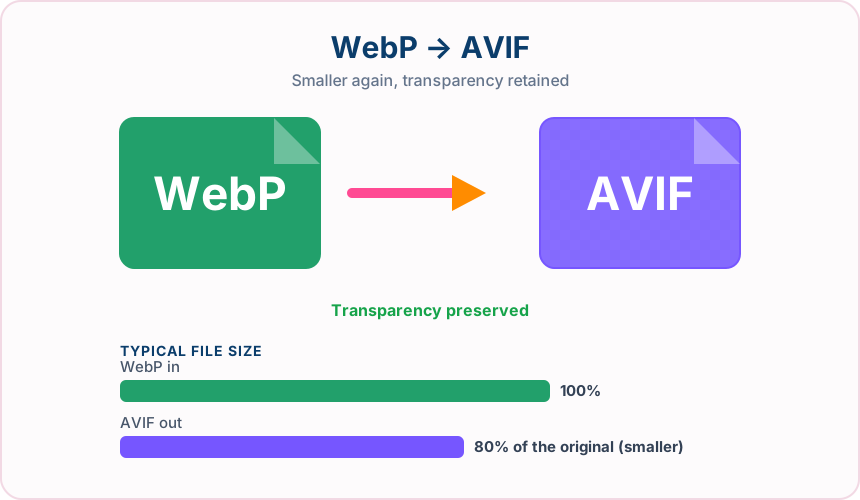
What you get converting WebP to AVIF
AVIF typically compresses harder at similar visible quality.
The alpha channel carries across cleanly between the two formats.
AVIF can express colour that WebP's 8-bit pipeline cannot.
Banding is less visible at aggressive compression levels.
What to expect: Savings are real but more modest than converting from JPG or PNG, since WebP is already efficient. Encoding takes longer than WebP because AVIF does more work.
When to convert WebP to AVIF
- Squeezing the last few kilobytes out of an optimised site
- Upgrading an existing WebP image library to a newer format
- Serving AVIF first with a WebP fallback in a picture element
- Delivering vivid photography that benefits from wide colour
WebP vs AVIF
| WebP | AVIF | |
|---|---|---|
| Compression | Lossy | Lossy |
| Transparency | Yes | Yes |
| Best for | a modern Google format that keeps transparency while cutting file size well below JPG and PNG | the newest of the mainstream formats, offering the smallest files plus transparency and wide colour |
WebP to AVIF — frequently asked questions
Related tools
Who benefits from converting WebP to AVIF?
These are common examples; the right workflow depends on the file, required output, and your organization’s handling rules.
Front-end developers
Test highly compressed modern images in a browser-focused delivery workflow. A typical use is squeezing the last few kilobytes out of an optimised site.
Performance teams
Compare AVIF size and visual quality with JPG or WebP alternatives. A typical use is upgrading an existing WebP image library to a newer format.
Digital publishers
Prepare efficient photographs for audiences using current browsers. A typical use is serving AVIF first with a WebP fallback in a picture element.
Image archivists
Create a space-conscious derivative while keeping the original master file. A typical use is delivering vivid photography that benefits from wide colour.
All-in-One PDF & Image Tools
Access every QuickConvertPDF feature in one place. Convert, edit, and optimize your files fast, free, and securely.