PDF to TXT Converter
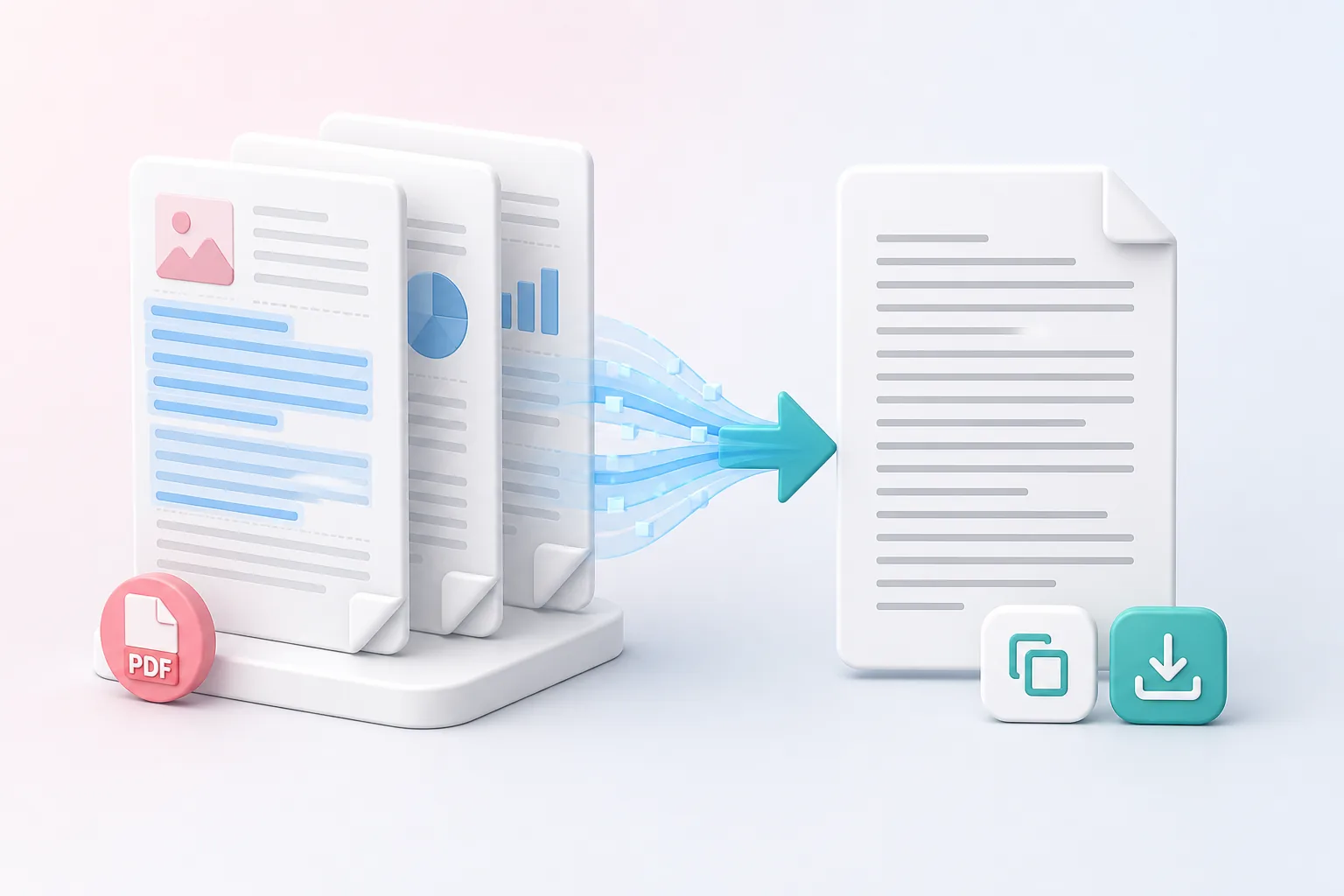
Extract embedded Unicode text from normal text-based PDF documents in page order.
How to use PDF to TXT Converter
- Upload one text-based PDF.
- Extract its embedded text.
- Edit, copy, or download the TXT result.
Benefits of Using Our PDF to TXT Converter
Pulls text from every page
Our PDF to TXT converter extracts the embedded Unicode text from each page, so accented letters, symbols, and non-English characters come through the way they should.
Keeps your content in order
Your text follows the same page order as the original PDF. You won’t have to put the pieces back together or wonder which paragraph came from where.
Marks where each page ends
Clear separators sit between pages, so you can see exactly where one ends and the next begins. That’s handy when you’re checking sources or splitting the text up later.
Gives you a lightweight file
Plain text is small, fast, and opens anywhere. Convert PDF to plain text once and use the result in any editor, app, or script.
Lets you edit before you download
Spot a typo or a stray line? Fix it or copy the text you need right on the page, before you save the file. It saves you a second round of cleanup.
Guides scanned files to the right tool
If your PDF is made of images, there’s no text layer to extract. Instead of handing you an empty file, we point you to our OCR tool, which is built for reading text from scans.
Privacy and security
Text extraction runs only for the current request and the PDF is not published.
Who uses PDF to TXT conversion?
Here are a few of the people who rely on a PDF to TXT converter most often. The best workflow depends on your file, the output you need, and any handling rules your organization follows.
Data and research teams
Need to extract text from PDF files for analysis, indexing, or controlled processing? Convert PDF to text and get clean, plain content that’s ready to sort, search, and feed into your own tools.
Writers
Skip the page styling and keep just the words. Convert your PDF to plain text, drop it into your notes or drafts, and start working without fonts, columns, or odd spacing following you around.
Developers
A lightweight text file is an easy input for search features, file comparison, and testing. Use a free PDF to text converter to turn documents into something your code can read without extra parsing headaches.
Accessibility reviewers
Wondering what a screen reader will actually pick up? Extract the text layer from the PDF and check it on its own, separate from the visual layout, to spot missing, jumbled, or out-of-order content.
Frequently asked questions
All-in-One PDF & Image Tools
Access every QuickConvertPDF feature in one place. Convert, edit, and optimize your files fast, free, and securely.