JPG to HEIC Converter
Convert JPG photos to space-efficient HEIC for Apple-focused libraries, device storage and HEIF-compatible photo workflows.
Convert JPG to HEIC and Save Photo Storage
A big folder of camera JPGs takes up more room than you’d think. HEIC (the common file type for HEIF images) uses newer compression, so it can often store the same photo in a smaller file. It also fits right in with iPhone, iPad, and Mac photo libraries.
One thing to know before you convert: your JPGs have already been compressed once, so switching to HEIC can’t bring back detail that’s already gone. It saves another lossy copy, so use the quality slider to find the right balance between file size and sharpness.
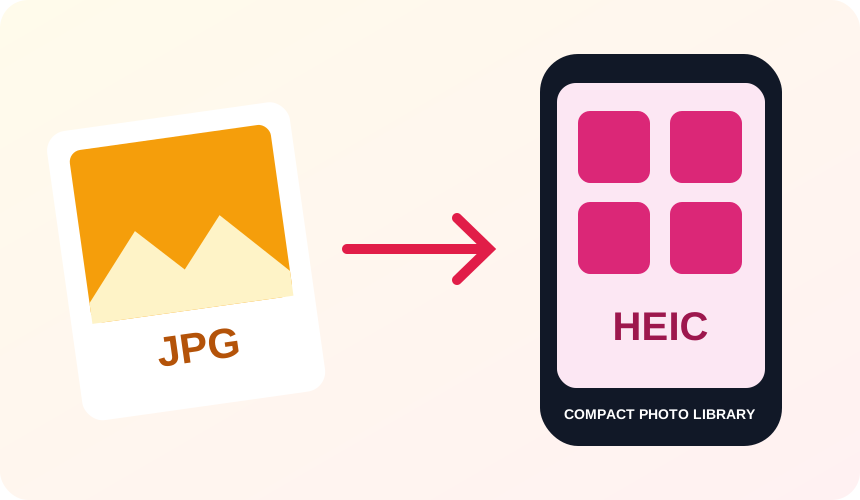
What You Get When You Convert JPG to HEIC
HEIC can store your photos efficiently, so a JPG converted to HEIC is often smaller at the quality you choose.
HEIC is the format iPhones and iPads commonly use for their own photos, so the files fit right into your library.
Pick any value from 1 to 100 before converting, and balance file size against sharpness your way.
Camera rotation is applied to the image itself, so portrait shots don’t come out sideways in the new HEIC file.
What to expect: Converting JPG to HEIC is a lossy-to-lossy change, so start with the best JPG you have and avoid converting back and forth. Also, details like the date taken and location (EXIF data) aren’t copied to the new file, so keep your originals if you need them.
When to convert JPG to HEIC
- Reducing storage used by an older JPG photo collection
- Preparing photos for a HEIF-compatible Apple workflow
- Testing HEIC quality and size for a media pipeline
JPG vs HEIC
| JPG | HEIC | |
|---|---|---|
| Compression | Lossy | Lossy |
| Transparency | No | No |
| Best for | the universal photo format, supported by essentially every device, browser and printer | Apple's space-efficient photo format, common on iPhone and iPad but not previewable in every browser or app |
JPG to HEIC — frequently asked questions
Related tools
Who benefits from converting JPG to HEIC?
These are common examples; the right workflow depends on the file, required output, and your organization’s handling rules.
Apple device users
Prepare an efficient HEIC copy for compatible iPhone, iPad, and Mac workflows. A typical use is reducing storage used by an older JPG photo collection.
Mobile content teams
Create smaller photo derivatives for storage and transfer in HEIC-aware systems. A typical use is preparing photos for a HEIF-compatible Apple workflow.
Photographers
Test a modern HEIC output while retaining the original editing master. A typical use is testing HEIC quality and size for a media pipeline.
App testers
Prepare sample HEIC assets for upload, preview, and compatibility checks. A typical use is camera rotation is applied to the image itself, so portrait shots don’t come out sideways in the new HEIC file..
All-in-One PDF & Image Tools
Access every QuickConvertPDF feature in one place. Convert, edit, and optimize your files fast, free, and securely.