How to Delete PDF Pages
Learn how to remove unwanted pages from a PDF to strip out blank sheets, duplicate scans, outdated material, or private information before sharing a cleaner copy.
- Choose the source PDF. Upload one document up to 25 MB while keeping an untouched original on your local device.
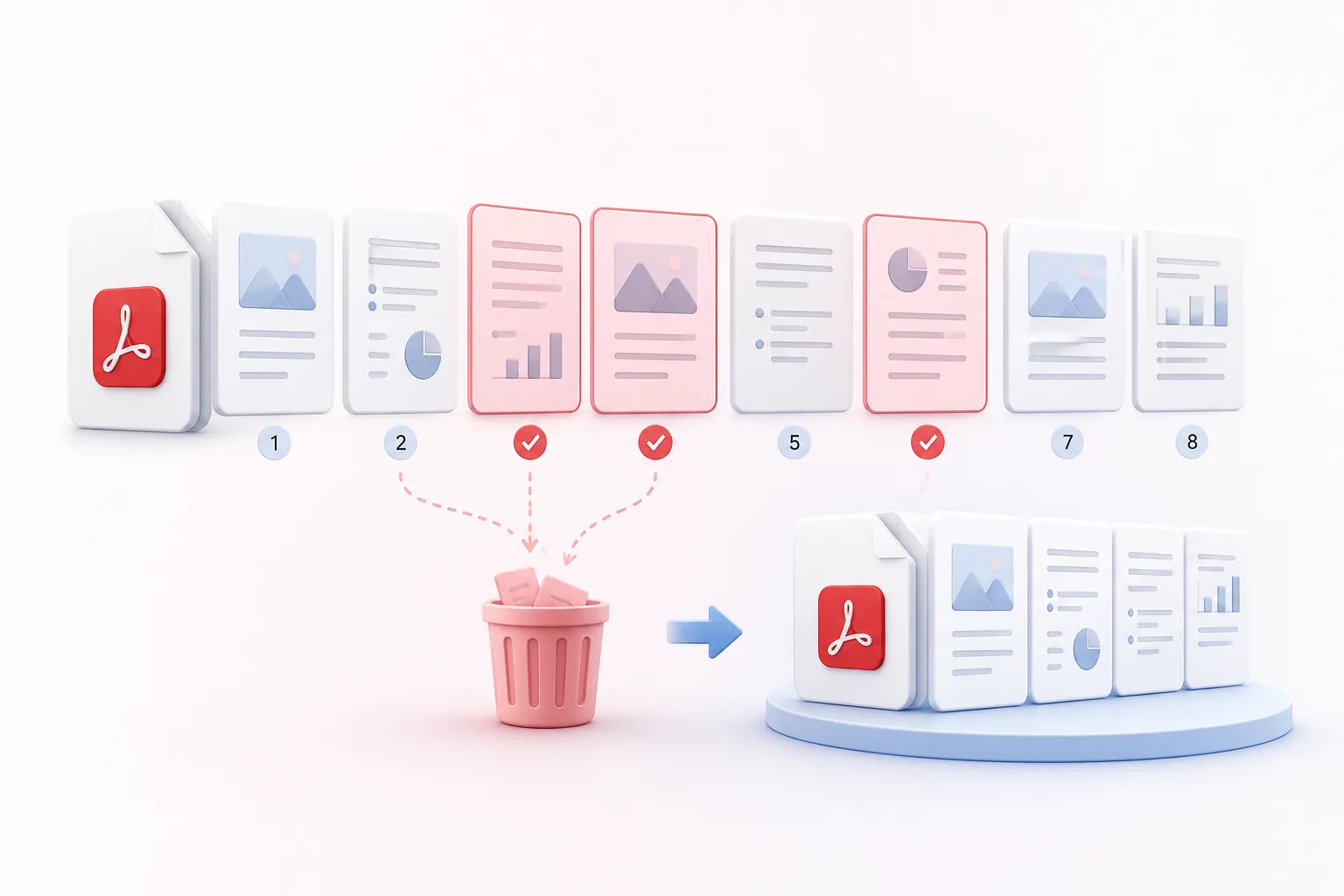
- Describe the pages to remove. Select thumbnails directly or enter individual page numbers and ranges separated by commas (such as 1, 3, 5–7) to delete selected pages in PDF. Page numbering starts at the first visible sheet.
- Create and check the result. Click Delete Pages, download your updated PDF file, and inspect the document to confirm the correct pages remain in order.
At least one valid page must remain in the document. Invalid inputs or out-of-range page numbers are automatically rejected instead of deleting an unintended page.
Benefits of Removing Unwanted PDF Pages
A focused PDF is easier for recipients to review and helps prevent unnecessary pages from being circulated.
When you remove pages from PDF online, exclude blank sheets, duplicates, draft covers, or sections that no longer belong.
Effortlessly delete selected pages in PDF by combining individual page numbers and several continuous ranges in one request.
Built-in input validation ensures at least one valid page remains in the downloadable document.
Use our tool to delete PDF pages online free so you can send clients or colleagues only the sheets relevant to their task.
Retain original text layout, crisp fonts, vector graphics, and page dimensions for all pages that stay in the document.
Download a separate, freshly edited PDF copy without modifying or overwriting the original file stored on your device.
Who needs to remove pages from a PDF?
These are common examples; the right workflow depends on the file, required output, and your organization’s handling rules.
Business teams
Remove blank, duplicate, draft, or internal pages before sending a client-facing document.
Students
Exclude answer keys or irrelevant chapters from a study copy.
Legal staff
Prepare a limited disclosure set while preserving the original complete file separately.
Print teams
Remove unwanted cover sheets and separator pages before production.
Frequently Asked Questions
All-in-One PDF & Image Tools
Access every QuickConvertPDF feature in one place. Convert, edit, and optimize your files fast, free, and securely.