How to merge PDF files in order
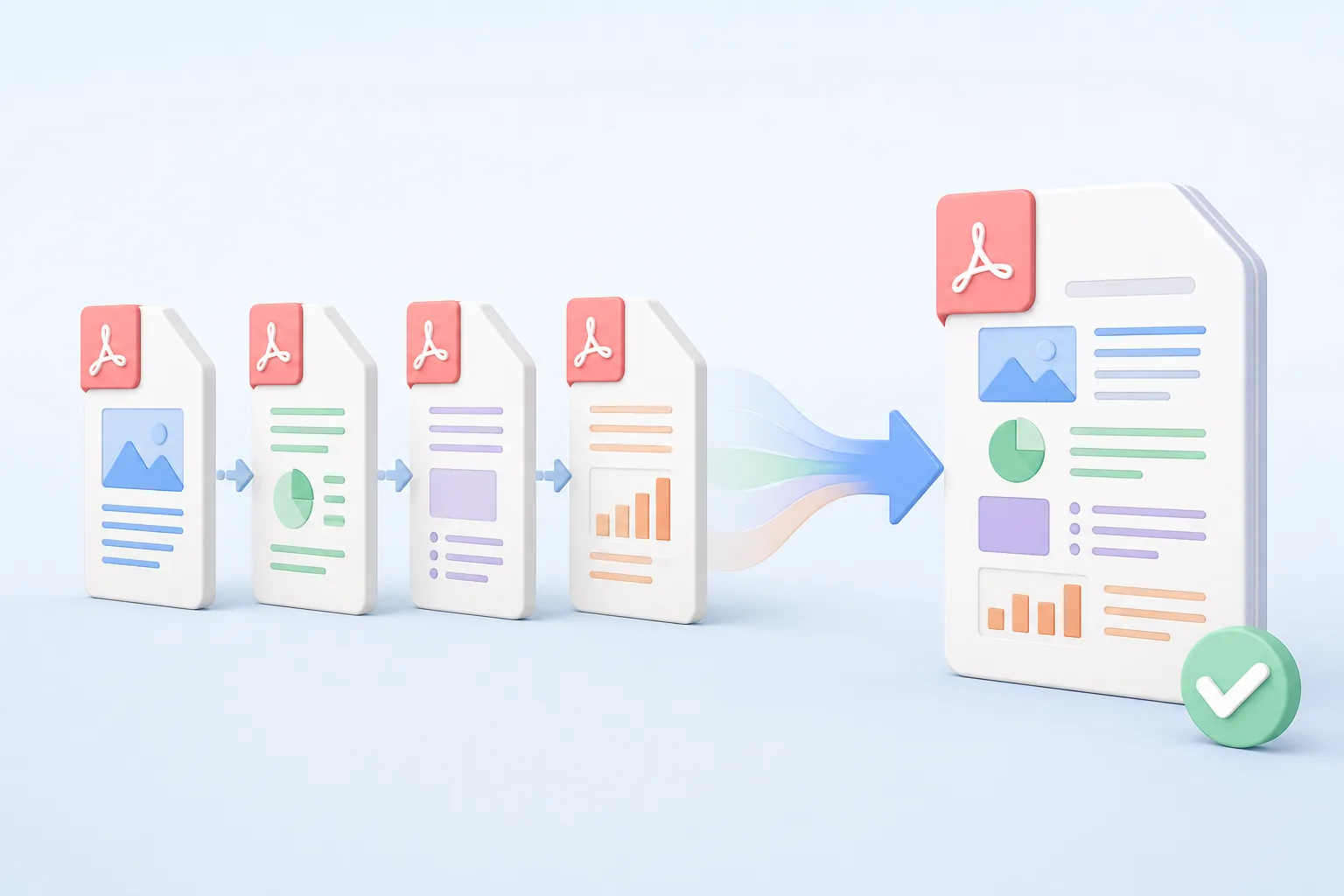
Combine related reports, forms, statements, or supporting documents into one PDF that follows a deliberate reading order.
- Select the files. Choose up to 30 PDFs, each no larger than 25 MB. Remove any accidental selection before continuing.
- Arrange the reading order. Drag the file cards into position, or focus a card and use the left and right arrow keys for keyboard reordering.
- Merge and verify. Choose Merge PDFs, download the combined file, and check the joins and page sequence before distributing it.
Limitations: encrypted, corrupt, or unusually structured PDFs may not merge. Merging copies pages into one file; it does not OCR scans, repair damaged documents, or guarantee a smaller result.
Privacy: uploaded documents are processed for the requested merge and are not published. Do not upload confidential files unless this processing is suitable for your requirements. You can also split a PDF, delete unwanted pages, or compress the merged PDF.
Benefits
One ordered document is easier to deliver, review, archive, and retrieve than a collection of loosely named attachments.
Keep reports, appendices, receipts, and supporting material together in one downloadable file.
Arrange documents before processing so recipients encounter each section in the intended sequence.
Remove an accidental file or reposition it without restarting the complete upload.
Merge as many as 30 supported PDFs during a single request.
Copy source pages into the result without redesigning their visible content.
Give recipients one clearly ordered attachment instead of several files they must organize themselves.
Who benefits from merging PDF files?
These are common examples; the right workflow depends on the file, required output, and your organization’s handling rules.
Legal and compliance teams
Assemble exhibits, signed pages, and supporting documents in a deliberate order.
Finance staff
Combine invoices, receipts, and account records into a single reporting package.
Students and researchers
Join chapters, references, and scanned notes before submitting or archiving work.
Project managers
Deliver reports, schedules, and appendices as one file instead of a loose attachment set.
Merge PDF questions
All-in-One PDF & Image Tools
Access every QuickConvertPDF feature in one place. Convert, edit, and optimize your files fast, free, and securely.