JPG to WebP Converter
Convert JPG photos into WebP for modern browser delivery. The result may be smaller at a similar visual quality, but the amount saved depends on the source image and encoding.
Why convert JPG to WebP?
WebP was designed as a modern alternative to JPG. It can produce a smaller file at a comparable perceived quality, although detailed or already compressed photographs may save little.
Every current browser supports WebP, so for website images there is rarely a reason to keep serving JPG. The format also supports transparency and animation, neither of which JPG can do.
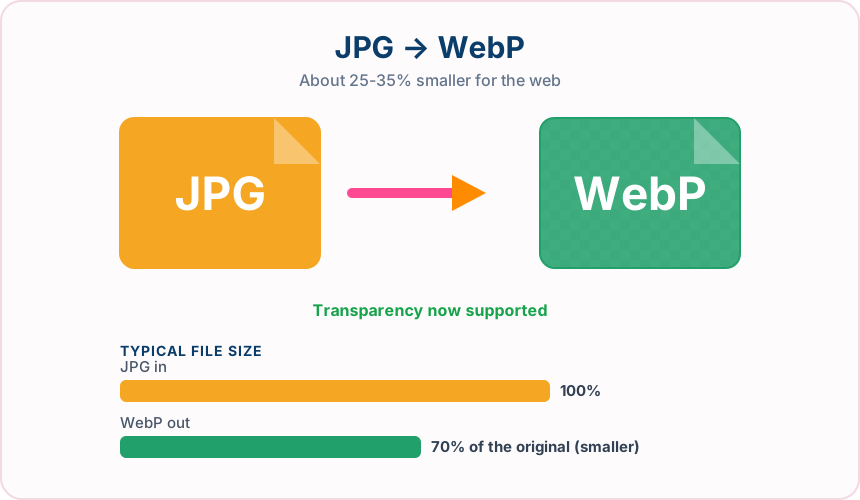
What you get converting JPG to WebP
WebP can reduce transfer size, but the result depends on detail, noise and prior compression.
A smaller image can reduce page weight when WebP produces a worthwhile saving.
Current Chrome, Edge, Firefox and Safari releases support WebP; older applications may not.
The converter uses a balanced default for photographic WebP output.
What to expect: Output size varies. Photographs with smooth areas may benefit, while detailed or already heavily compressed images can show a small saving or occasionally become larger.
When to convert JPG to WebP
- Optimising product photography for an online store
- Cutting the page weight of an image-heavy blog post
- Preparing hero images that need to load fast on mobile
- Reducing storage and CDN costs across a large photo library
JPG vs WebP
| JPG | WebP | |
|---|---|---|
| Compression | Lossy | Lossy |
| Transparency | No | Yes |
| Best for | the universal photo format, supported by essentially every device, browser and printer | a modern Google format that keeps transparency while cutting file size well below JPG and PNG |
JPG to WebP — frequently asked questions
Related tools
Who benefits from converting JPG to WebP?
These are common examples; the right workflow depends on the file, required output, and your organization’s handling rules.
Web developers
Prepare modern image assets that can reduce page weight in supported browsers. A typical use is optimising product photography for an online store.
Online stores
Deliver product imagery efficiently while retaining support for transparency. A typical use is cutting the page weight of an image-heavy blog post.
Digital publishers
Create lighter article and landing-page images for mobile readers. A typical use is preparing hero images that need to load fast on mobile.
Performance teams
Compare a WebP result with the source before choosing the best production asset. A typical use is reducing storage and CDN costs across a large photo library.
All-in-One PDF & Image Tools
Access every QuickConvertPDF feature in one place. Convert, edit, and optimize your files fast, free, and securely.