PNG to WebP Converter
Shrink PNG graphics into WebP while keeping transparency fully intact — usually a substantial saving with no visible change.
Why convert PNG to WebP?
WebP is the natural upgrade from PNG for the web. It keeps the alpha channel your PNG depends on, but compresses far more effectively — lossless WebP is typically around 25% smaller than PNG, and lossy WebP dramatically smaller again.
That matters most for exactly the things PNG is used for: logos, icons, UI assets and product cut-outs, which often appear many times across a page.
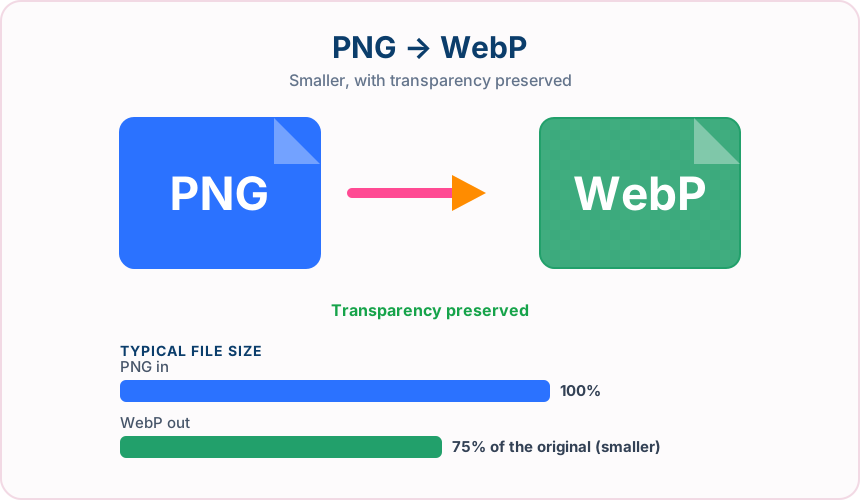
What you get converting PNG to WebP
The alpha channel carries across intact, with clean edges and no white box.
Lossless WebP is typically around 25% smaller than PNG; lossy mode saves far more.
Flat colour and sharp edges compress especially well in WebP.
Every current mainstream browser handles WebP transparency correctly.
What to expect: File size varies with image content. This converter uses lossy WebP output and preserves transparency.
When to convert PNG to WebP
- Optimising logos, icons and UI sprites on a website
- Compressing product cut-outs that must sit on any background
- Reducing the weight of an image-heavy design system
- Replacing large PNG hero graphics without losing alpha
PNG vs WebP
| PNG | WebP | |
|---|---|---|
| Compression | Lossless | Lossy |
| Transparency | Yes | Yes |
| Best for | a lossless format with full transparency support, ideal for graphics, logos and screenshots | a modern Google format that keeps transparency while cutting file size well below JPG and PNG |
PNG to WebP — frequently asked questions
Related tools
Who benefits from converting PNG to WebP?
These are common examples; the right workflow depends on the file, required output, and your organization’s handling rules.
Web developers
Prepare modern image assets that can reduce page weight in supported browsers. A typical use is optimising logos, icons and UI sprites on a website.
Online stores
Deliver product imagery efficiently while retaining support for transparency. A typical use is compressing product cut-outs that must sit on any background.
Digital publishers
Create lighter article and landing-page images for mobile readers. A typical use is reducing the weight of an image-heavy design system.
Performance teams
Compare a WebP result with the source before choosing the best production asset. A typical use is replacing large PNG hero graphics without losing alpha.
All-in-One PDF & Image Tools
Access every QuickConvertPDF feature in one place. Convert, edit, and optimize your files fast, free, and securely.