GIF to HEIC Converter
Convert GIF images to HEIC for Apple photo libraries and HEIF-based workflows on iPhone, iPad and Mac.
Bring GIF images into an Apple photo workflow
Some Apple-focused photo libraries and media pipelines standardise on HEIC. Converting a GIF lets older graphics sit alongside other HEIC images.
HEIC output here is a still, opaque image: the first frame of an animated GIF is used and transparent areas are filled with white.
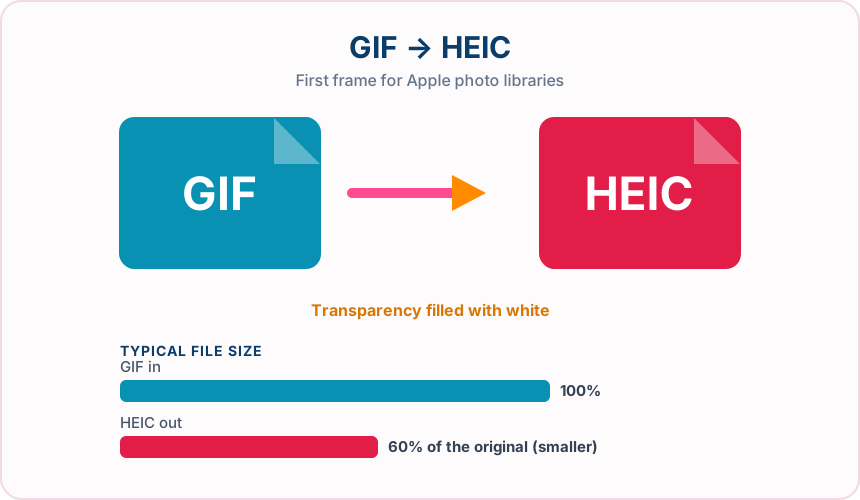
What you get converting GIF to HEIC
HEIC is the photo format commonly used on current iPhone and iPad devices.
Choose a HEIC quality from 1 to 100 before converting.
Transparency is flattened onto white for consistent display in HEIC viewers.
Your GIF is not modified; a separate .heic file is downloaded.
What to expect: Animation and transparency are not kept. File size depends on the image; simple flat GIFs do not always become smaller as HEIC.
When to convert GIF to HEIC
- Adding older GIF graphics to a HEIC-based photo library
- Standardising mixed image folders for an Apple workflow
- Producing HEIC test files from existing GIF assets
GIF vs HEIC
| GIF | HEIC | |
|---|---|---|
| Colours | Up to 256 per frame | Millions, including 10-bit |
| Animation | Supported | First frame used by this converter |
| Transparency | One fully transparent colour | Filled with white in this output |
| Typical use | Simple graphics and animations | Apple photo libraries |
| Compatibility | Nearly universal | Apple devices; limited elsewhere |
GIF to HEIC — frequently asked questions
Related tools
Who benefits from converting GIF to HEIC?
These are common examples; the right workflow depends on the file, required output, and your organization’s handling rules.
Apple device users
Prepare an efficient HEIC copy for compatible iPhone, iPad, and Mac workflows. A typical use is adding older GIF graphics to a HEIC-based photo library.
Mobile content teams
Create smaller photo derivatives for storage and transfer in HEIC-aware systems. A typical use is standardising mixed image folders for an Apple workflow.
Photographers
Test a modern HEIC output while retaining the original editing master. A typical use is producing HEIC test files from existing GIF assets.
App testers
Prepare sample HEIC assets for upload, preview, and compatibility checks. A typical use is your GIF is not modified; a separate .heic file is downloaded..
All-in-One PDF & Image Tools
Access every QuickConvertPDF feature in one place. Convert, edit, and optimize your files fast, free, and securely.