HEIC to WebP Converter
Change HEIC photos into lightweight WebP images for websites, online stores and modern browser delivery without oversized JPG downloads.
Prepare Apple photos for faster web pages
HEIC is efficient on Apple devices but unsuitable as a general website image. WebP offers broad browser support and strong photographic compression for online publishing.
Converting directly to WebP creates a web-ready copy without first making a bulky PNG or an extra intermediate JPG generation.
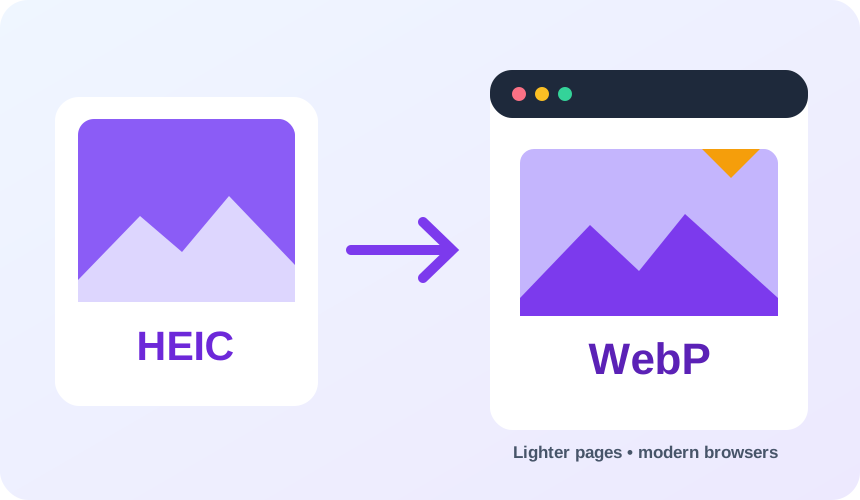
What you get converting HEIC to WebP
WebP is supported by current major browsers and common content-management systems.
Efficient compression can reduce page weight compared with a conventional JPG workflow.
WebP can retain an alpha channel when the decoded HEIF image supplies one.
Camera orientation is resolved before the browser-ready file is encoded.
What to expect: Both HEIC and the WebP output are normally lossy. File size depends on detail, noise and the source compression level.
When to convert HEIC to WebP
- Publishing iPhone product photos in an online shop
- Building responsive website image sets
- Converting travel photos for a blog or portfolio
HEIC vs WebP
| HEIC | WebP | |
|---|---|---|
| Compression | Lossy | Lossy |
| Transparency | No | Yes |
| Best for | Apple's space-efficient photo format, common on iPhone and iPad but not previewable in every browser or app | a modern Google format that keeps transparency while cutting file size well below JPG and PNG |
HEIC to WebP — frequently asked questions
Related tools
Who benefits from converting HEIC to WebP?
These are common examples; the right workflow depends on the file, required output, and your organization’s handling rules.
Web developers
Prepare modern image assets that can reduce page weight in supported browsers. A typical use is publishing iPhone product photos in an online shop.
Online stores
Deliver product imagery efficiently while retaining support for transparency. A typical use is building responsive website image sets.
Digital publishers
Create lighter article and landing-page images for mobile readers. A typical use is converting travel photos for a blog or portfolio.
Performance teams
Compare a WebP result with the source before choosing the best production asset. A typical use is camera orientation is resolved before the browser-ready file is encoded..
All-in-One PDF & Image Tools
Access every QuickConvertPDF feature in one place. Convert, edit, and optimize your files fast, free, and securely.