GIF to AVIF Converter
Convert GIF images to AVIF for compact, modern still images with full transparency support in current browsers.
Convert GIF to AVIF for Smaller, Modern Images
Still GIF graphics are often much bigger than they need to be. When you convert GIF to AVIF, the same image is stored with modern compression and full transparency support, which helps your website load faster.
One thing to know first: this converter creates a still AVIF image. If your GIF is animated, only the first frame is used. To keep the animation, use GIF to WebP instead.
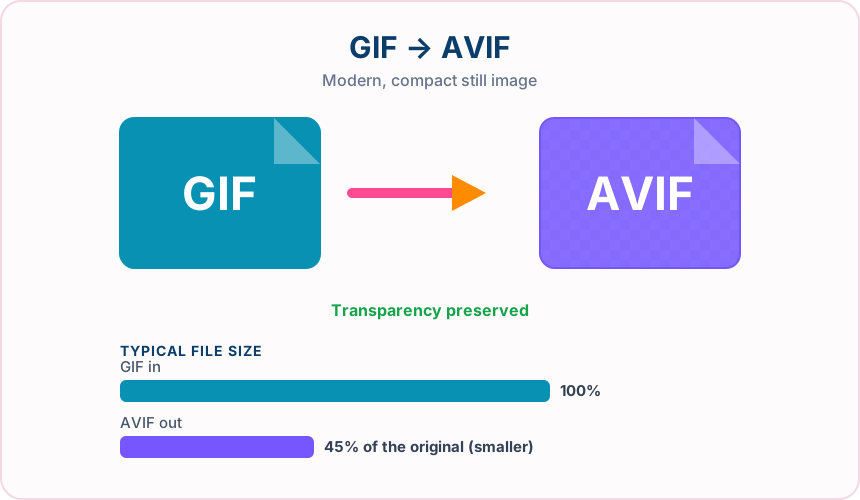
What You Get When You Convert GIF to AVIF
A still GIF converted to AVIF is typically a fraction of the original size.
Transparent areas in your GIF stay transparent in the AVIF, with no white box behind them.
AVIF supports millions of colors, so later edits aren’t stuck with GIF’s 256-color limit.
Choose an AVIF quality setting to balance file size against detail.
What to expect: Still GIFs usually become much smaller as AVIF. AVIF cannot add colours the GIF never stored, and encoding can take a little longer than other formats.
When to convert GIF to AVIF
- Reducing page weight from still GIF banners and icons
- Building an AVIF-first image set for a modern website
- Archiving GIF artwork in a compact current format
GIF vs AVIF
| GIF | AVIF | |
|---|---|---|
| Colours | Up to 256 per frame | Millions, plus alpha |
| Animation | Supported | First frame used by this converter |
| Transparency | One fully transparent colour | Full alpha channel |
| Typical file size | Large | Usually much smaller |
| Compatibility | Nearly universal | Current browsers; limited in older software |
GIF to AVIF — frequently asked questions
Related tools
Who benefits from converting GIF to AVIF?
These are common examples; the right workflow depends on the file, required output, and your organization’s handling rules.
Front-end developers
Test highly compressed modern images in a browser-focused delivery workflow. A typical use is reducing page weight from still GIF banners and icons.
Performance teams
Compare AVIF size and visual quality with JPG or WebP alternatives. A typical use is building an AVIF-first image set for a modern website.
Digital publishers
Prepare efficient photographs for audiences using current browsers. A typical use is archiving GIF artwork in a compact current format.
Image archivists
Create a space-conscious derivative while keeping the original master file. A typical use is choose an AVIF quality setting to balance file size against detail..
All-in-One PDF & Image Tools
Access every QuickConvertPDF feature in one place. Convert, edit, and optimize your files fast, free, and securely.