PNG to HEIC Converter
Convert large PNG images to compact HEIC files for photo storage when transparency is not required in the destination.
Shrink Photographic PNG Files with HEIC Compression
PNG is ideal for uncompressed lossless graphics, but photographic PNG files can grow exceptionally large. Converting to HEIC provides an ultra-compact storage format for photos while maintaining high visual quality on Apple devices and compatible software.
Because HEIC reader support for alpha channels varies across third-party software, this conversion flattens transparent PNG backgrounds onto a solid white background. Brand logos, cutouts, and UI interface graphics requiring alpha transparency are usually better kept as PNG, WebP, or AVIF.
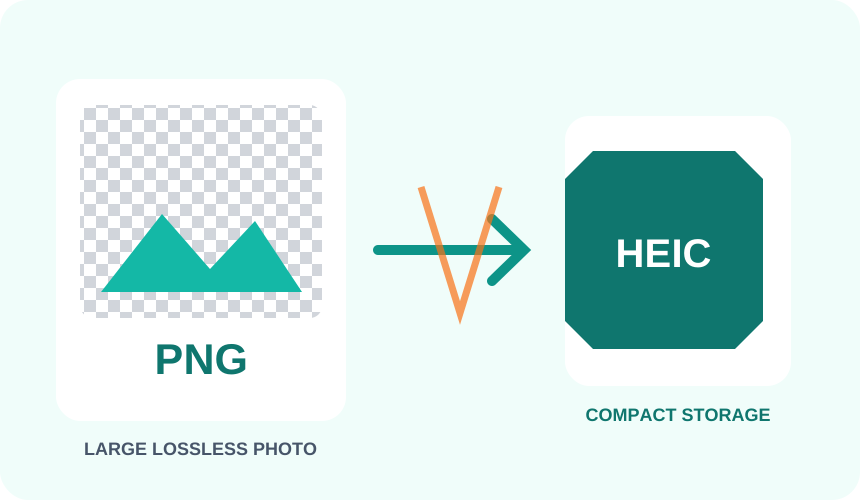
What You Get Converting PNG to HEIC
Photographic PNG images become substantially smaller after modern HEIC compression, freeing up valuable storage space.
Transparent pixels and indexed color palette images are normalized into standard RGB for predictable viewing across platforms.
Fine-tune compression levels to balance image clarity and file size for web previews, photo archives, or local device storage.
Your original PNG file remains unchanged while a separate, optimized HEIC image is generated for download.
What to expect: The output HEIC file will usually be far smaller, but the re-encoding becomes lossy. Flat graphics, vector icons, and sharp text may show compression artifacts more readily than natural photographs.
When to convert PNG to HEIC
- Compressing lossless photo scans for a compatible archive
- Reducing oversized PNG camera exports
- Creating HEIC copies for storage on Apple devices
PNG vs HEIC
| PNG | HEIC | |
|---|---|---|
| Compression | Lossless | Lossy |
| Transparency | Yes | No |
| Best for | a lossless format with full transparency support, ideal for graphics, logos and screenshots | Apple's space-efficient photo format, common on iPhone and iPad but not previewable in every browser or app |
PNG to HEIC — Frequently Asked Questions
Related tools
Who benefits from converting PNG to HEIC?
These are common examples; the right workflow depends on the file, required output, and your organization’s handling rules.
Apple device users
Prepare an efficient HEIC copy for compatible iPhone, iPad, and Mac workflows. A typical use is compressing lossless photo scans for a compatible archive.
Mobile content teams
Create smaller photo derivatives for storage and transfer in HEIC-aware systems. A typical use is reducing oversized PNG camera exports.
Photographers
Test a modern HEIC output while retaining the original editing master. A typical use is creating HEIC copies for storage on Apple devices.
App testers
Prepare sample HEIC assets for upload, preview, and compatibility checks. A typical use is your original PNG file remains unchanged while a separate, optimized HEIC image is generated for download..
All-in-One PDF & Image Tools
Access every QuickConvertPDF feature in one place. Convert, edit, and optimize your files fast, free, and securely.