GIF to WebP Converter
Convert animated or still GIFs to WebP for smaller, faster-loading web images. Every frame and its timing are kept.
Shrink GIF animations for modern websites
Animated GIFs are often the heaviest images on a page. Animated WebP plays in current browsers and stores the same frames at a fraction of the size, which helps page speed.
The converter keeps every frame, each frame's duration and the loop setting. Still GIFs become still WebP images.
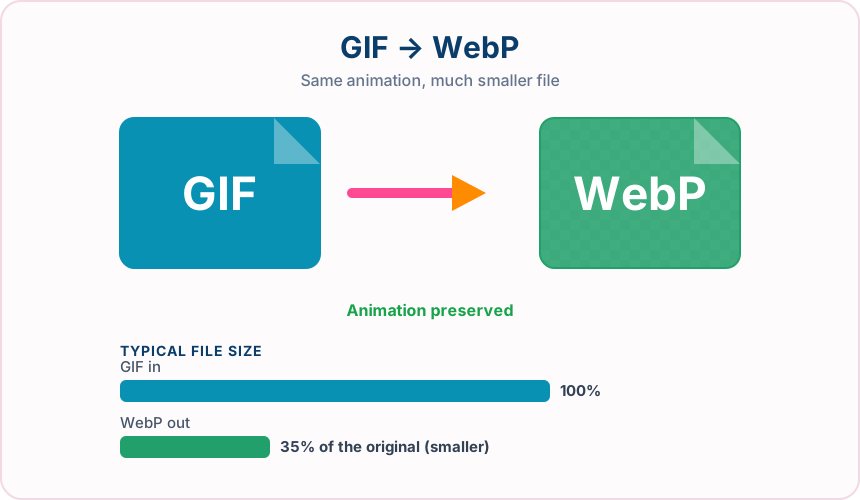
What you get converting GIF to WebP
Frames, per-frame timing and loop count are carried into the WebP.
Animated WebP is usually much smaller than the equivalent GIF.
Transparent GIF areas remain transparent in the WebP.
WebP quality settings let you balance size against detail.
What to expect: Most animated GIFs become noticeably smaller as WebP. Results vary with frame count, resolution and how much changes between frames.
When to convert GIF to WebP
- Speeding up a page that relies on animated GIFs
- Converting GIF stickers and reactions for a modern web app
- Reducing bandwidth for looping product demos
GIF vs WebP
| GIF | WebP | |
|---|---|---|
| Colours | Up to 256 per frame | Millions, plus alpha |
| Animation | Supported | Supported |
| Transparency | One fully transparent colour | Full alpha channel |
| Typical file size | Large for animations | Usually much smaller |
| Compatibility | Nearly universal, including older software | Current browsers and modern apps |
GIF to WebP — frequently asked questions
Related tools
Who benefits from converting GIF to WebP?
These are common examples; the right workflow depends on the file, required output, and your organization’s handling rules.
Web developers
Prepare modern image assets that can reduce page weight in supported browsers. A typical use is speeding up a page that relies on animated GIFs.
Online stores
Deliver product imagery efficiently while retaining support for transparency. A typical use is converting GIF stickers and reactions for a modern web app.
Digital publishers
Create lighter article and landing-page images for mobile readers. A typical use is reducing bandwidth for looping product demos.
Performance teams
Compare a WebP result with the source before choosing the best production asset. A typical use is webP quality settings let you balance size against detail..
All-in-One PDF & Image Tools
Access every QuickConvertPDF feature in one place. Convert, edit, and optimize your files fast, free, and securely.