How to resize images online
- Choose up to 30 JPG, PNG, WebP, or AVIF images, with a maximum size of 25 MB per file.
- Enter a width, height, or both. Turn on Fit inside box when you want the images constrained without changing their proportions.
- Choose an output format and quality, click Resize, then download the result or ZIP archive.
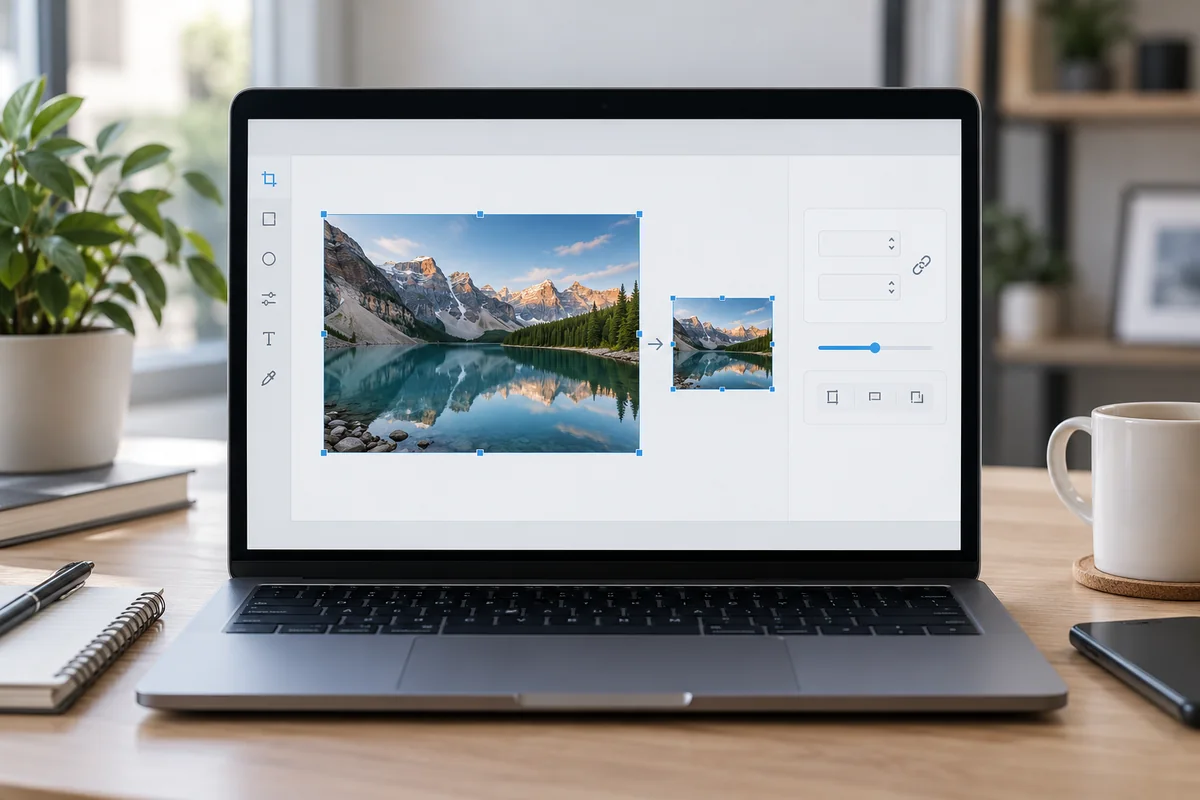
Resize Image Online Free
Resize JPG, PNG, WebP, and AVIF images by width, height, or target bounding box.
Exact pixel control
Resize images by precise width, height, or long edge.
Aspect ratio protection
Maintain original proportions or set custom dimensions as needed.
Smart optimization
Balanced compression to reduce file size while keeping sharp detail.
Multi-format export
Convert and save output as JPG, PNG, WebP, or AVIF.
Batch processing
Bulk resize up to 30 images at once (up to 25 MB per file).
Cross-platform
Works instantly in any modern web browser without signup.
Who Uses an Image Resizer?
Different projects require different pixel dimensions. Resizing images ensures optimal display, faster loading times, and clean layouts across web platforms.
Website Managers
Prepare consistent image dimensions for cards, hero banners, blog posts, and product listings. Scaling down oversized images improves page load speed and site performance.
Social Media Teams
Adapt high-resolution pictures to the exact width and height specs required by Instagram, LinkedIn, Facebook, and Twitter. Resize single assets into perfect profile pictures, cover photos, or post graphics.
Online Sellers
Standardize product photo dimensions for Shopify, Amazon, or WooCommerce catalogs. Keep consistent image ratios across your storefront for a clean, professional grid layout.
Email & Office Users
Reduce oversized pixel dimensions before inserting photos into Gmail, Outlook, Word documents, or presentation decks. Keep attachment sizes small while ensuring images fit email layout limits.
Resize Image OnlineFrequently Asked Questions
All-in-One PDF & Image Tools
Access every QuickConvertPDF feature in one place. Convert, edit, and optimize your files fast, free, and securely.